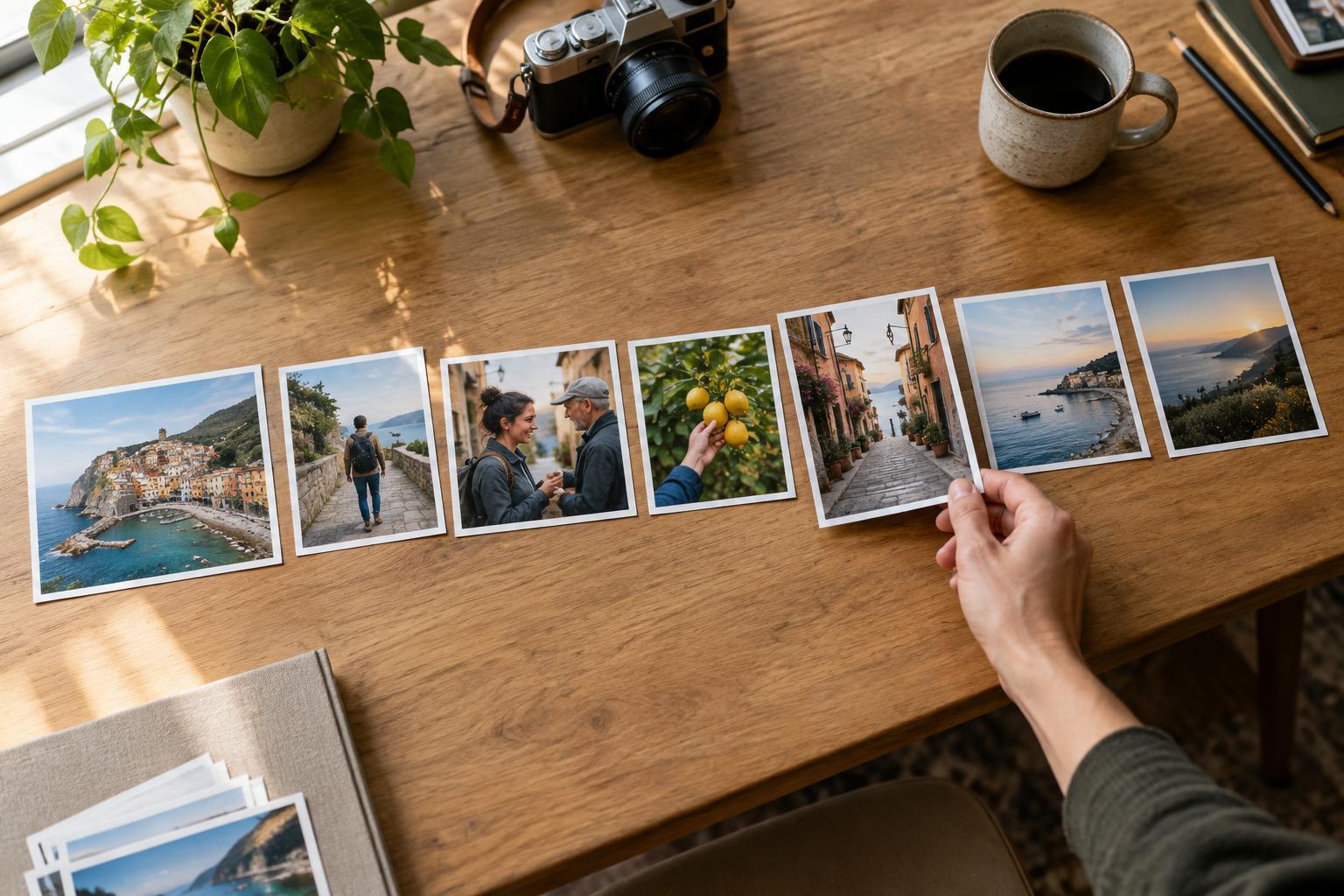
Editing and WorkflowA set of strong photographs does not automatically make a strong story. Learn a practical way to arrange images so viewers can follow the subject, notice meaningful details, and reach a satisfying ending.
Read article · 4 min↗

Editing and WorkflowStrong editing helps a viewer notice what matters in a photograph. Learn to spot common signs of overprocessing, from excessive contrast and saturation to heavy sharpening and inconsistent local adjustments, then use a simple review routine to find a better balance.
Read article · 4 min↗

Editing and WorkflowA dramatic before-and-after can make an edit feel successful even when the photograph is less convincing. Learn how to compare versions fairly, spot changes that only look better at first glance, and build a repeatable review habit.
Read article · 4 min↗

Editing and WorkflowA single RAW file can support more than one good edit. In this exercise, you’ll create three distinct interpretations—a faithful baseline, a bright and open version, and a restrained, moody version—while keeping the subject and your choices in view.
Read article · 4 min↗

Editing and WorkflowA photo can look sharp on a screen yet disappoint on paper, or make a beautiful print while loading slowly online. Learn how to choose pixel dimensions, file formats, color settings, and sharpening for each destination—and build a repeatable export workflow.
Read article · 4 min↗

Editing and WorkflowPresets can speed up a consistent set of photos, while manual edits help when light, color, or the subject needs individual attention. Learn how to choose the faster approach, combine the two, and avoid spending time fixing a preset that does not fit.
Read article · 4 min↗

Editing and WorkflowWhen a set of photos shares the same light and camera settings, you can edit one representative frame and apply much of that work to the rest. This guide shows how to group images, choose a reference, sync adjustments carefully, and check every frame before export.
Read article · 4 min↗

Editing and WorkflowNoise reduction and sharpening can work against each other. Learn a practical editing order, where to apply each adjustment, and how to judge the result at the size people will actually see.
Read article · 4 min↗

Editing and WorkflowLocal masks let you brighten a face, soften a distracting background, or balance a bright sky without applying the same edit everywhere. Learn how to choose a mask, refine its edges, and keep targeted adjustments looking natural.
Read article · 4 min↗

Editing and WorkflowSensor dust spots can be distracting, especially in skies and other smooth areas. Learn how to find likely dust marks, remove them with a light touch, and check your edits without losing natural texture.
Read article · 4 min↗

Editing and WorkflowLens corrections can straighten bowed lines and clean up colored edges, but they are not always an automatic improvement. Learn what each correction does, when to apply it, and how to check the result before exporting.
Read article · 4 min↗

Editing and WorkflowBasic sliders and tone curves can both brighten, darken and reshape a photo, but they offer different kinds of control. Learn when to reach for each, how to avoid working against your own edits and a simple exercise for comparing the results.
Read article · 4 min↗
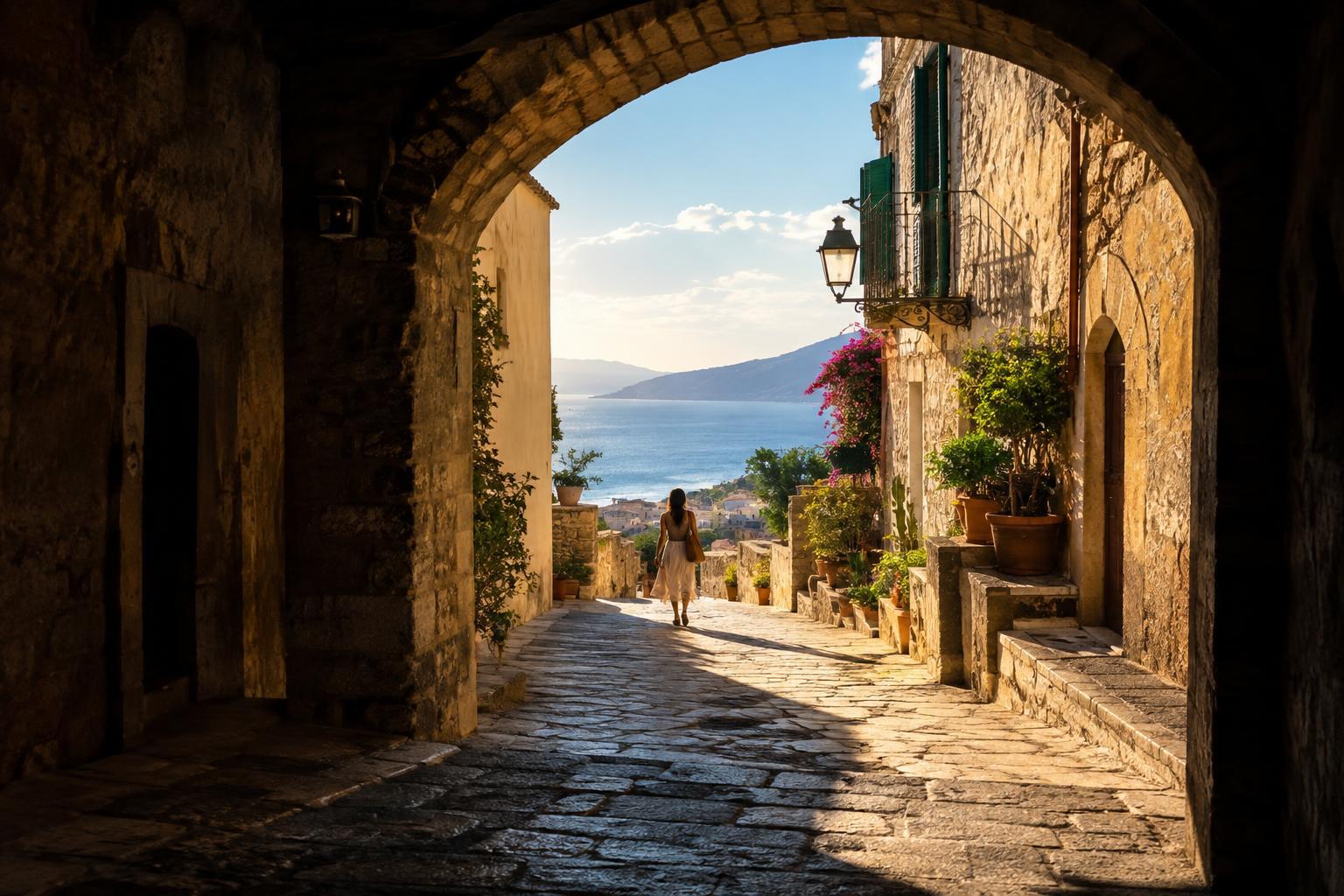
Editing and WorkflowLifting shadows and reducing highlights can reveal useful detail, but pushing both sliders too far often leaves a photo dull. Learn a selective editing workflow that protects contrast, keeps light believable, and shows you when a bright or dark area is better left alone.
Read article · 4 min↗
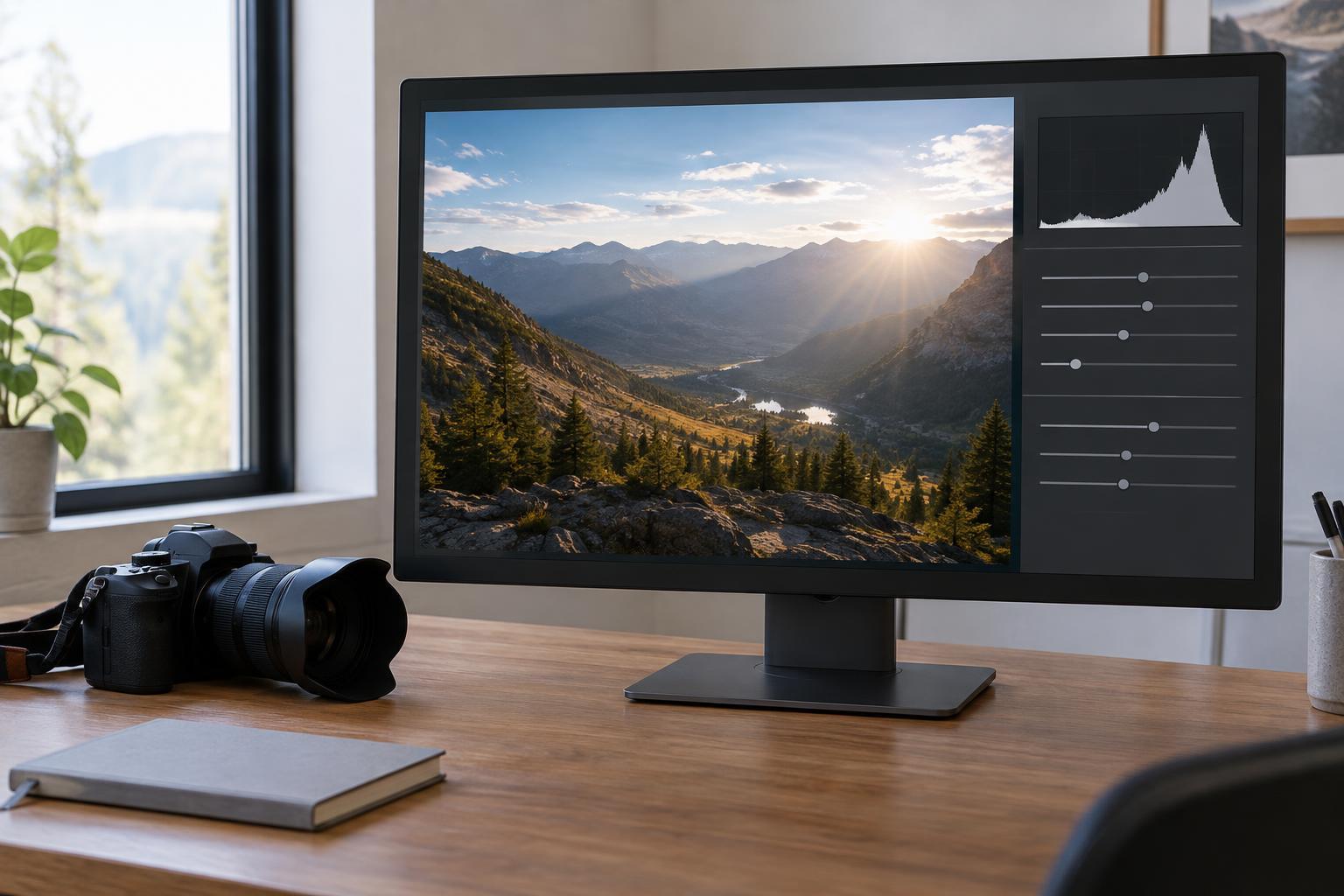
Editing and WorkflowA histogram can help you spot clipped highlights, blocked shadows and tonal imbalances, but it cannot decide how a photo should look. Learn how to read it alongside the image and use it to guide practical exposure edits.
Read article · 4 min↗

Editing and WorkflowA photo that looks too orange or too blue does not always need a dramatic edit. Learn how to identify a color cast, adjust temperature and tint, handle mixed light, and build a repeatable white-balance workflow.
Read article · 4 min↗

Editing and WorkflowWhy does a photograph change color between your editor, browser and phone? Learn what a monitor profile does, when to export in sRGB, and how to build a more predictable editing workflow.
Read article · 4 min↗
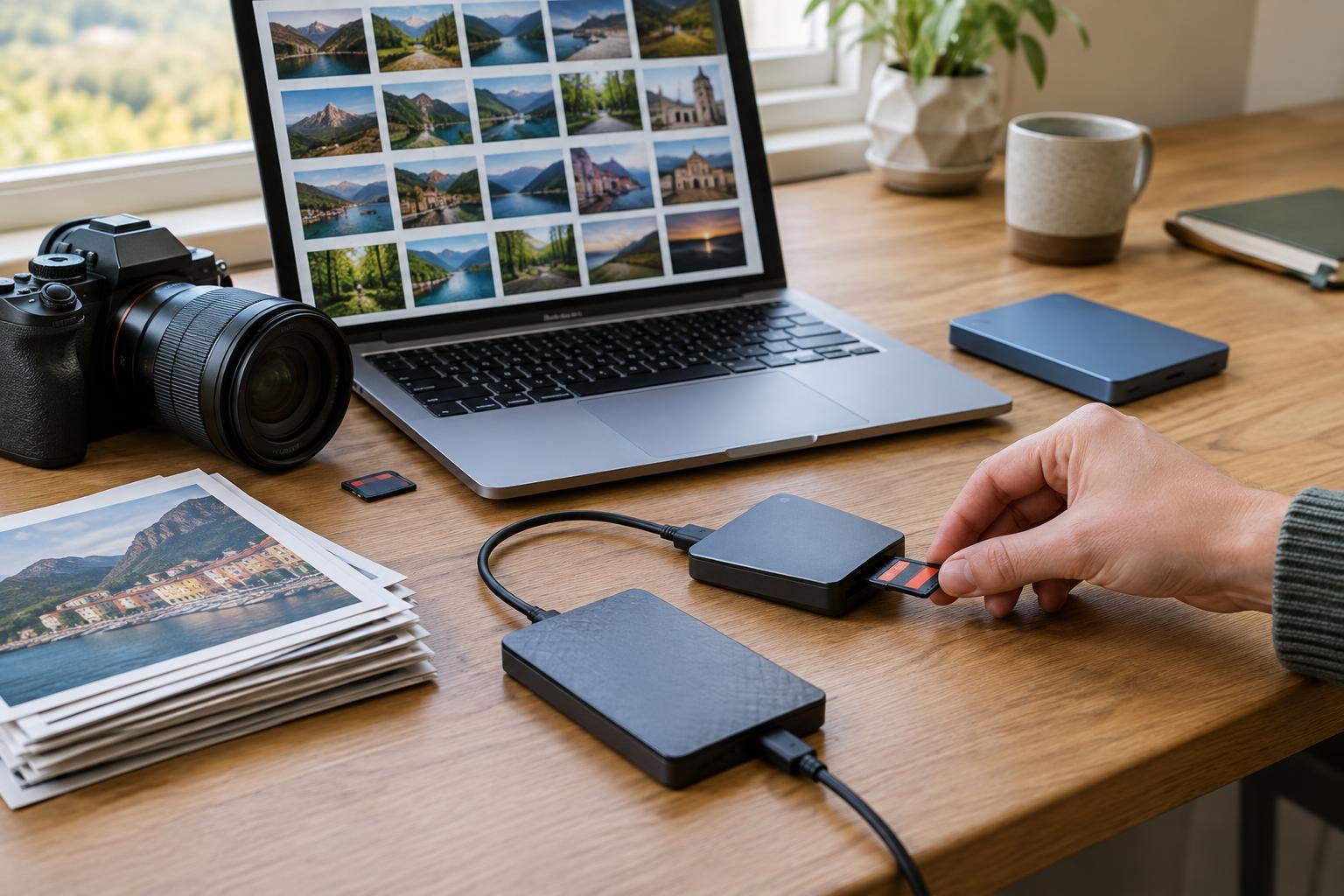
Editing and WorkflowA photo backup needs to protect more than image files. Learn how to identify the parts of your photo library, build a manageable backup routine, and test that you can restore your work.
Read article · 4 min↗

Editing and WorkflowA practical culling workflow helps you find the strongest photographs without turning every small difference into a difficult decision. Learn how to separate obvious rejects, compare similar frames, and keep a manageable archive.
Read article · 4 min↗
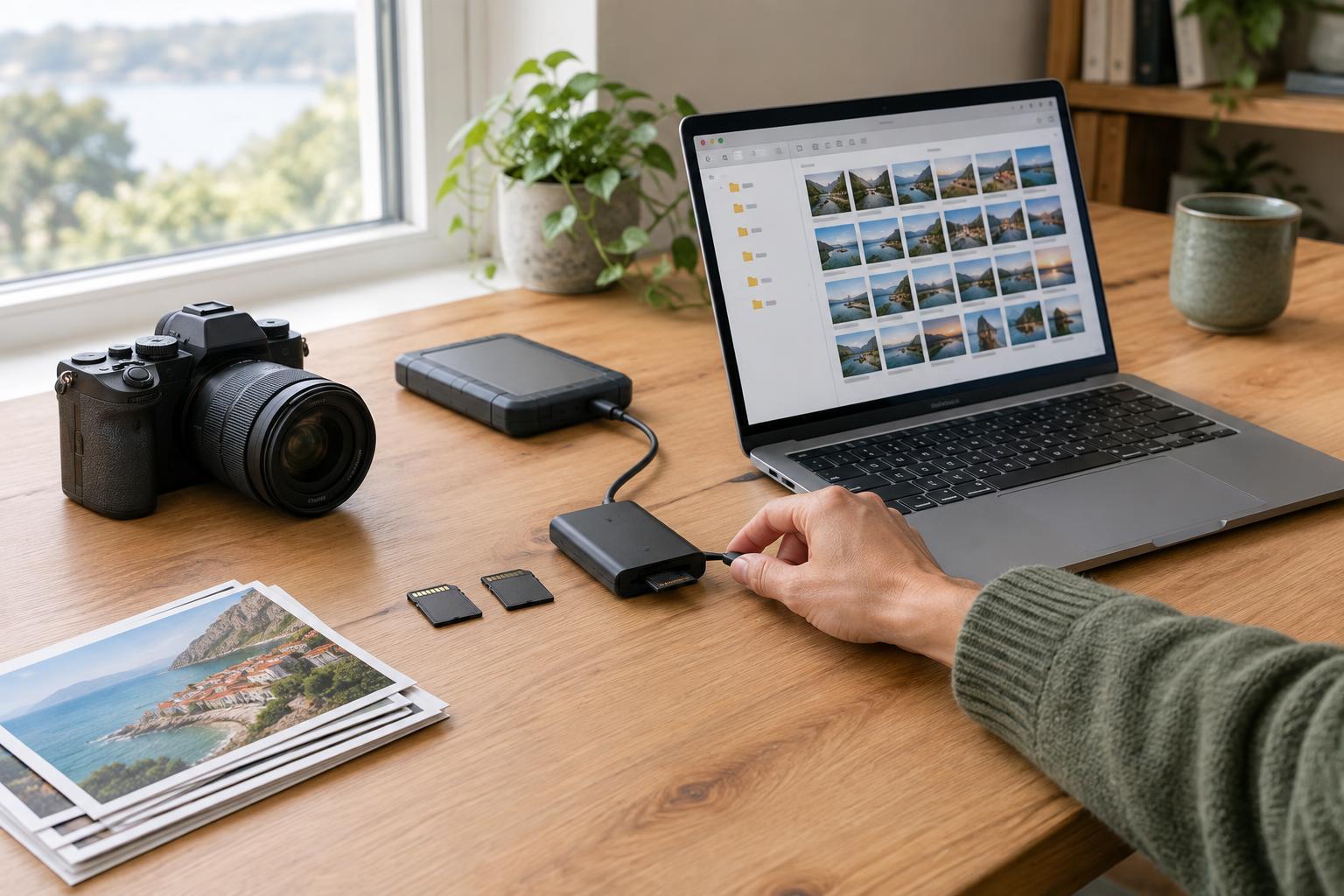
Editing and WorkflowA reliable photo library starts with a routine you can repeat. Learn how to organize imports by shoot, give files useful names, handle multiple cameras, and check that your photos are safely stored before clearing a card.
Read article · 4 min↗

Editing and WorkflowA practical guide to editing without overwriting your source files. Learn how to protect originals, choose reversible editing methods, manage versions, and export finished images with confidence.
Read article · 4 min↗

Editing and WorkflowRAW and JPEG files can start with the same exposure yet offer different editing choices. Learn what each format preserves, where its limits lie, and how to choose a workflow that fits the way you photograph.
Read article · 4 min↗