Two files, two starting points
When you press the shutter, the camera records light gathered by its sensor. A RAW file retains much of that sensor data for later interpretation. A JPEG is an image the camera has already interpreted: it has applied settings such as white balance, contrast, sharpening and noise reduction, then compressed the result. Neither is automatically a better photograph. The difference is how many decisions remain open when you sit down to edit.
A RAW file is not a finished-looking picture waiting to be revealed. Editing software must render it, often using a default profile that may look different from the camera’s preview. A JPEG, meanwhile, can look polished straight from the camera because those rendering choices are already part of the file. If you like the look of your camera’s JPEGs, that is a valid reason to use them.
What extra room does RAW give you?
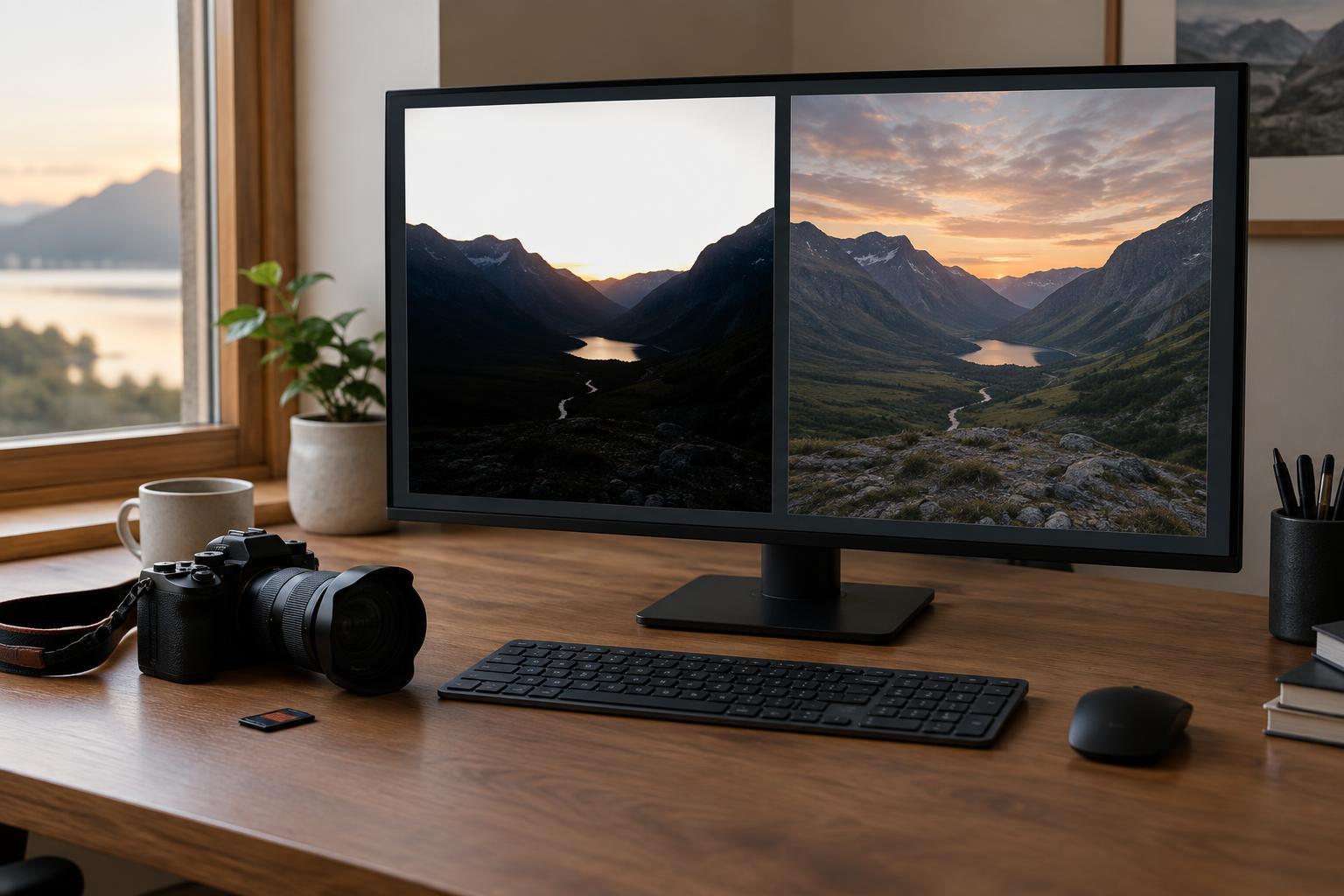
RAW is most useful when you need to make substantial tonal or color adjustments. If a scene contains a bright window and a darker interior, a RAW file may let you brighten shadows or reduce bright areas more gracefully than a JPEG from the same exposure. How much you can recover depends on the camera and the original exposure. Detail that was never captured, including completely blown highlights, cannot be restored by choosing a different format.
White balance is another practical distinction. With RAW, you can change the white balance interpretation after the shoot with considerable freedom. That helps when indoor bulbs, daylight and shade create competing color casts. You can adjust a JPEG’s color too, but larger corrections are more likely to reveal artifacts or make colors look strained because the camera has already committed to a narrower version of the image.
RAW does not eliminate the need to expose carefully. Raising very dark areas can reveal noise, and heavy editing can make either format look unnatural. Think of RAW as added flexibility for considered corrections, not insurance against every mistake.
Why choose JPEG?
JPEG files are usually smaller, easy to preview and ready to share with little or no editing. That can be ideal for casual outings, quick delivery or a large set of photographs made in consistent light. Shooting JPEG can also encourage you to pay closer attention to exposure and in-camera color settings before you take the picture.
The trade-off is that the camera makes more choices on your behalf. A high-contrast look that suits one scene may hide detail you would have preferred to keep in another. Repeatedly saving an edited JPEG can also introduce additional compression, so it is sensible to keep the original and export new copies from your editing software. For modest adjustments, though, a well-exposed JPEG can be entirely sufficient.
Build a workflow around your photographs
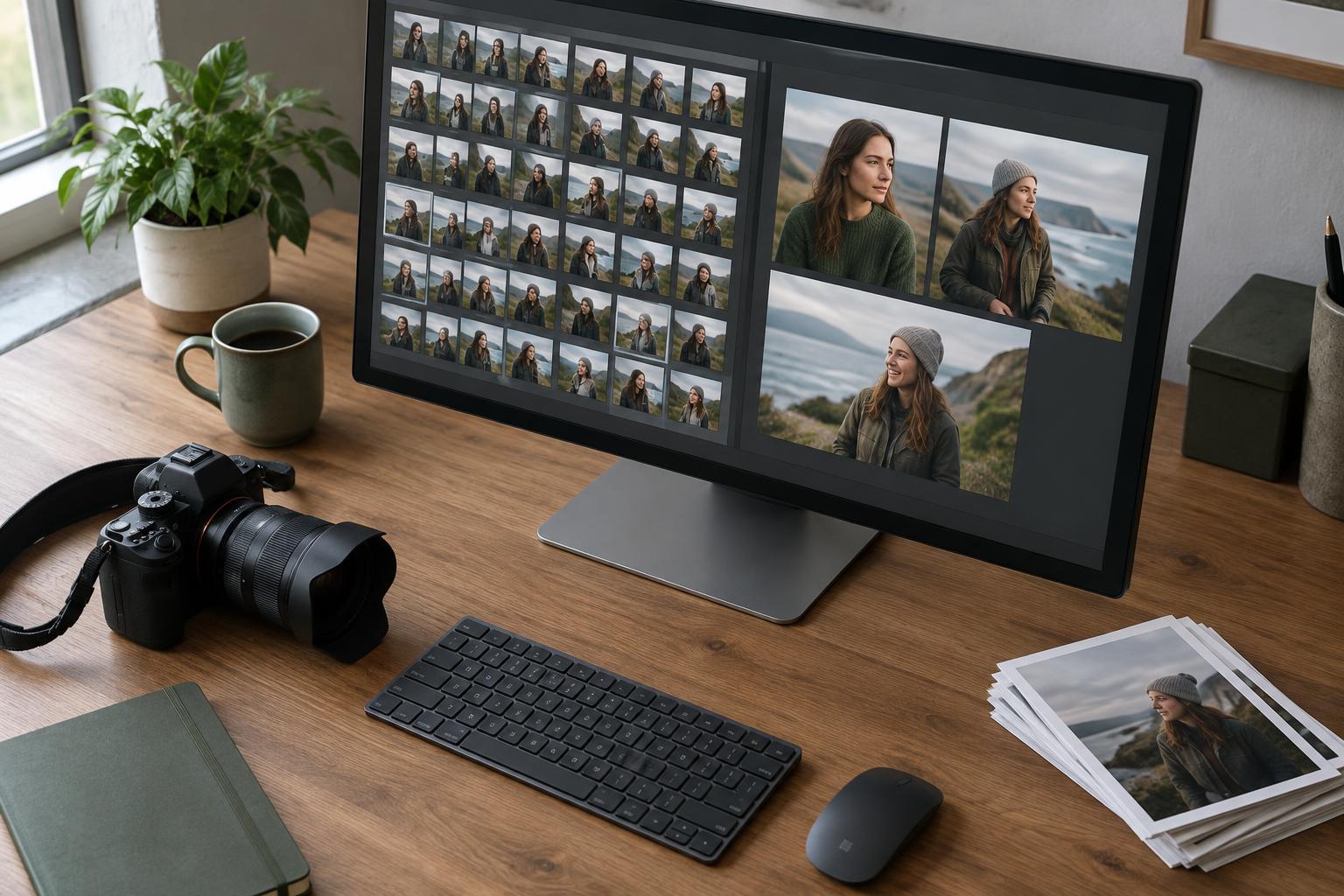
Choose a format based on what you expect to do after the shoot. RAW makes sense for portraits with tricky skin tones, changing travel light or any image you plan to edit carefully. JPEG is convenient when speed, storage space and simple sharing matter more than extensive correction. If your camera offers RAW+JPEG, it can provide a ready-to-use image alongside a flexible file for selected favorites. The cost is more storage and more files to manage.
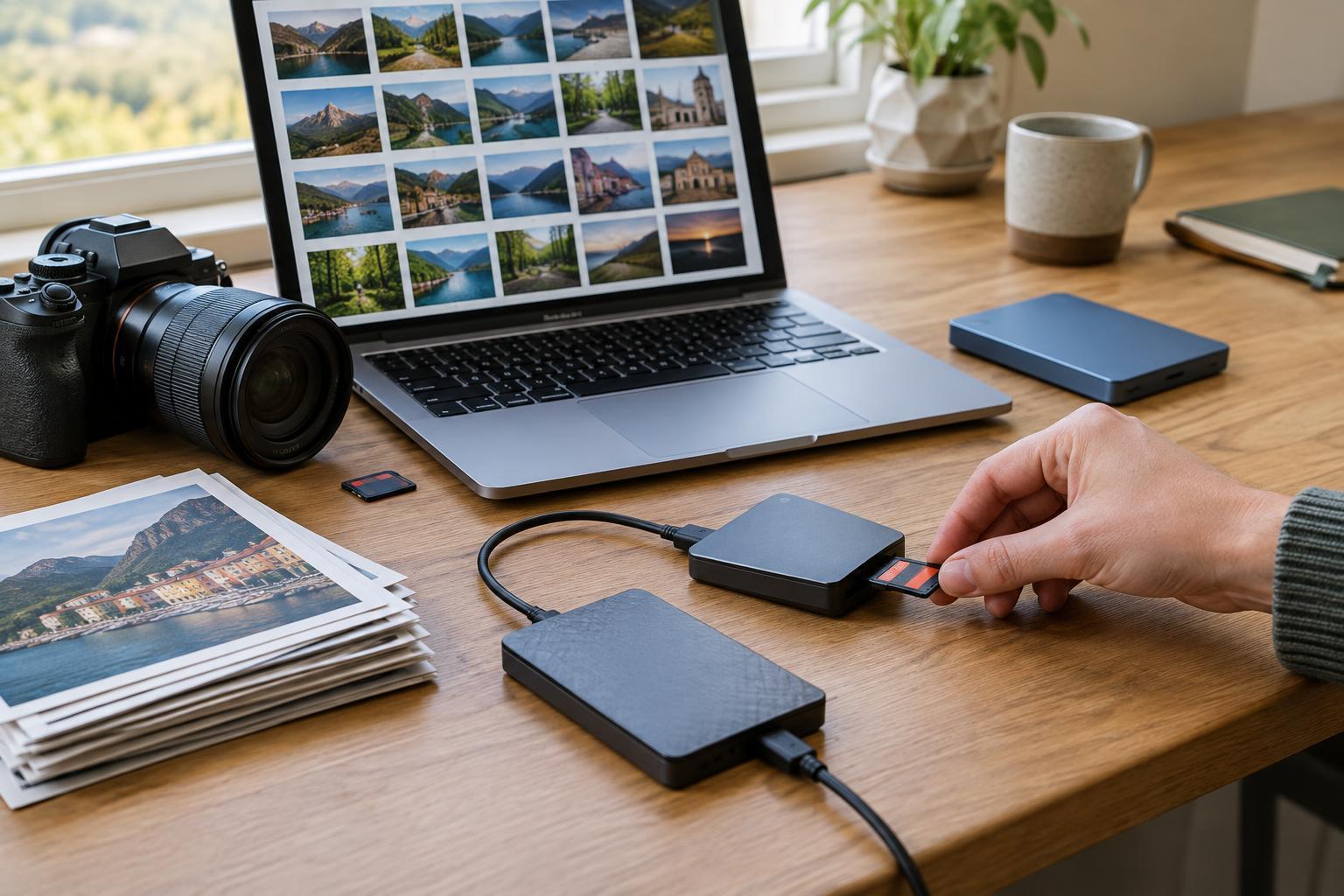
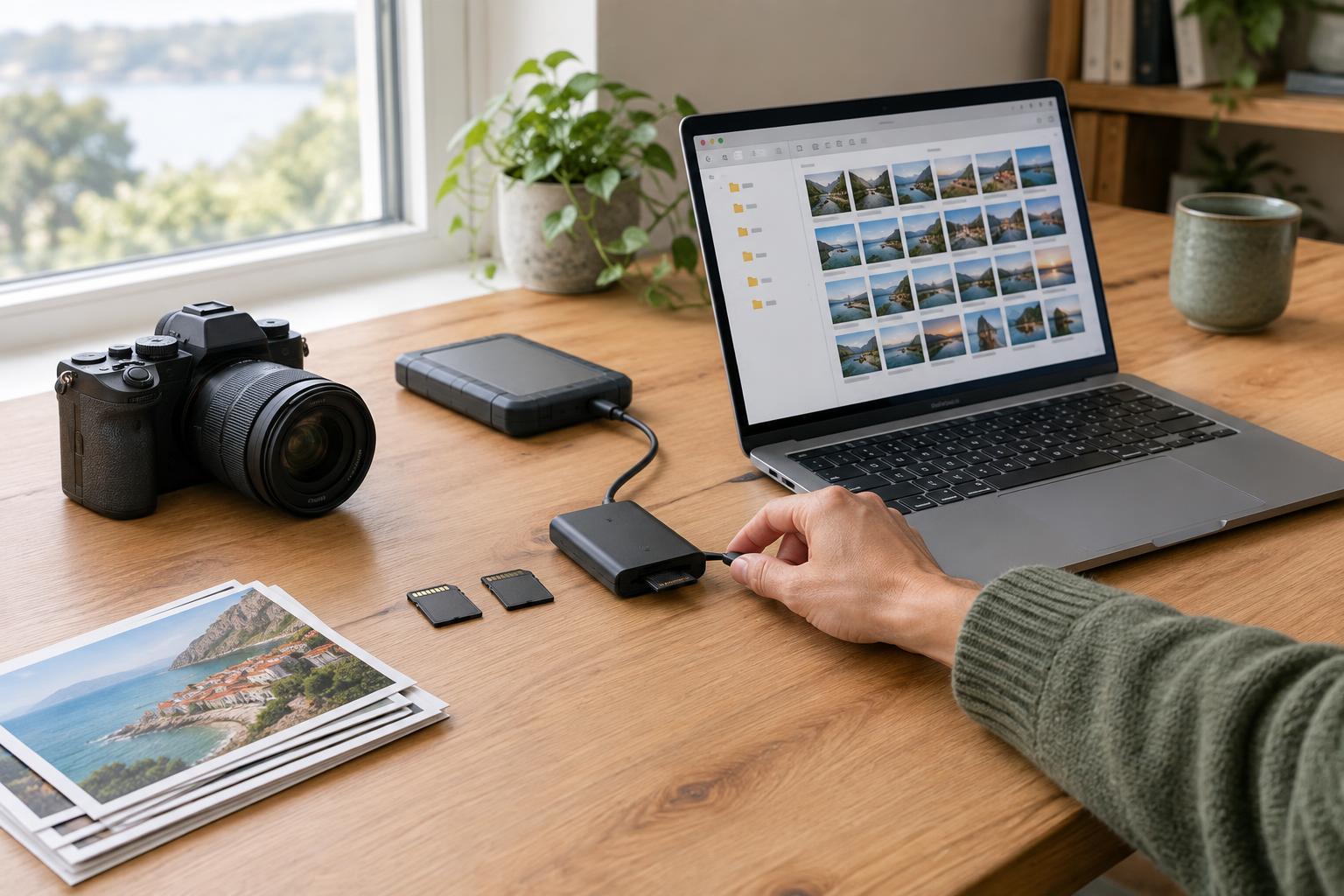
For a manageable routine, import your files into dated folders, select the images worth keeping and back up the originals before major edits. Make adjustments to the RAW file or an editing copy, then export a JPEG at the size and quality needed for its destination. Keep the original file so you can revisit the edit later. If you shoot RAW+JPEG, decide which version you will review first; otherwise, near-duplicates can make sorting needlessly slow.
Try a simple side-by-side exercise
Set your camera to RAW+JPEG and photograph the same scene in two kinds of light: one evenly lit and one with bright and dark areas. Keep the framing and exposure the same for each pair. In your editor, first compare the files without adjustments. Then try a gentle white balance change, a shadow lift and a highlight adjustment on both versions. Look not just at which file appears brighter, but at color, noise and whether important detail still looks natural.
You may find that the JPEG needs almost nothing in easy light, while the RAW file gives you more choices in a difficult scene. Or you may prefer the camera’s JPEG rendering to your first RAW edit. Both observations are useful. The best format is the one that gives you enough editing latitude without adding work you do not need.