Start with the photograph, not the sliders
An overprocessed photograph often has a familiar problem: the editing calls more attention to itself than the subject. Bright edges, unusually vivid colors or perfectly smooth skin may look striking at first glance, but they can make a scene feel less convincing. That does not mean every photo should look neutral. Bold editing can be an intentional style. The useful question is whether each adjustment helps communicate what you wanted viewers to see.
Before editing, identify the main subject and the mood you want to preserve. A quiet window-lit portrait might need different treatment from a colorful street scene. Make a few broad corrections, then pause and compare the result with the original. If you cannot explain what a change adds, try reducing it. This gives you a reference point when attractive individual adjustments begin to work against the photograph as a whole.
Pushing contrast until detail disappears
Deep blacks and bright highlights can give an image energy, but too much contrast may hide information that supports the scene. Dark clothing can become a featureless shape; pale clouds can lose their subtle variation. Heavy use of clarity or similar midtone-contrast controls can also emphasize every texture, giving faces, foliage and skies a gritty appearance.
Check the important bright and dark areas separately. Not every shadow needs detail, and a light source may reasonably appear very bright. Look instead for lost detail where it matters to your subject. Try backing off the strongest contrast adjustment, then use a smaller local adjustment if one area still needs emphasis. A portrait may benefit from a little definition around the eyes without adding the same hard texture to the skin.
Making color louder than the subject
A common editing trap is raising saturation until every color competes for attention. Greens may turn electric, warm light may become orange, and skin tones may appear implausibly pink. White-balance changes can have a similar effect when they are made only to intensify a sunset or create cooler shadows. The result may be colorful, yet less effective at directing the viewer’s eye.
Adjust overall color first, then inspect familiar reference points such as skin, neutral clothing or a gray surface if one appears in the frame. These are guides, not rules: colored lighting can genuinely change how they look. If a single distracting color needs attention, try a modest adjustment to that color rather than increasing or decreasing saturation everywhere. Compare the edited image at normal viewing size, where its overall color balance is easier to judge.
Over-sharpening, smoothing and obvious local edits
Sharpening works best when it supports existing detail. Pushed too far, it can create bright outlines along buildings, hair or tree branches and make fine textures look brittle. Noise reduction and skin smoothing can cause the opposite problem: natural texture disappears while edges remain oddly crisp. Zoom in to check for halos and waxy patches, but also zoom out. An artifact visible at high magnification may not affect the finished image, while a flattened face can look unnatural even as a small thumbnail.
Local adjustments deserve the same restraint. Brightening a subject can help separate it from the background, but an obvious glow around the subject reveals the edit. A strongly darkened sky can leave trees or rooftops with mismatched edges. Toggle each local adjustment off and on, and ask whether you notice the subject more clearly or mainly notice the adjustment. Softer transitions and smaller changes often solve the problem.
Build a review routine that catches excess
Editing for a long stretch can change your sense of what looks normal. After making an initial pass, take a short break and return to the image at a comfortable viewing size. Toggle between the edited and original versions, then briefly reduce the strength of your most aggressive adjustments. You do not have to prefer the original; the comparison helps you decide whether the final image has gained clarity, mood or focus.
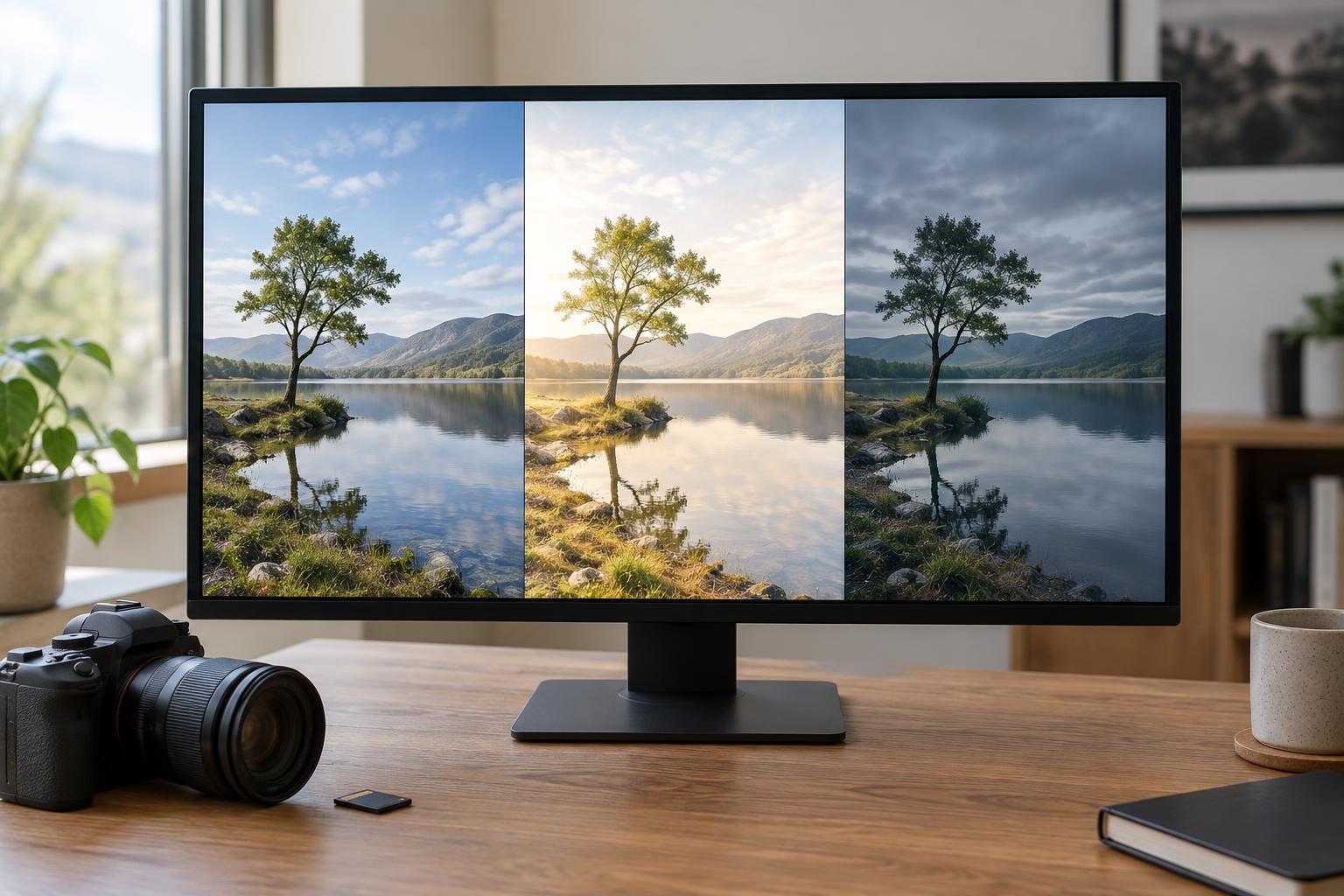
For practice, edit one photo three ways: a restrained version, a deliberately exaggerated version and a version between them. Compare how each handles subject detail, color and the edges of local adjustments. This exercise can help you recognize your own threshold for overprocessing. Save a version you can revisit rather than treating every slider choice as permanent. The goal is not to make the editing invisible at all costs, but to make its choices feel purposeful.