First, decide whether the color is actually wrong
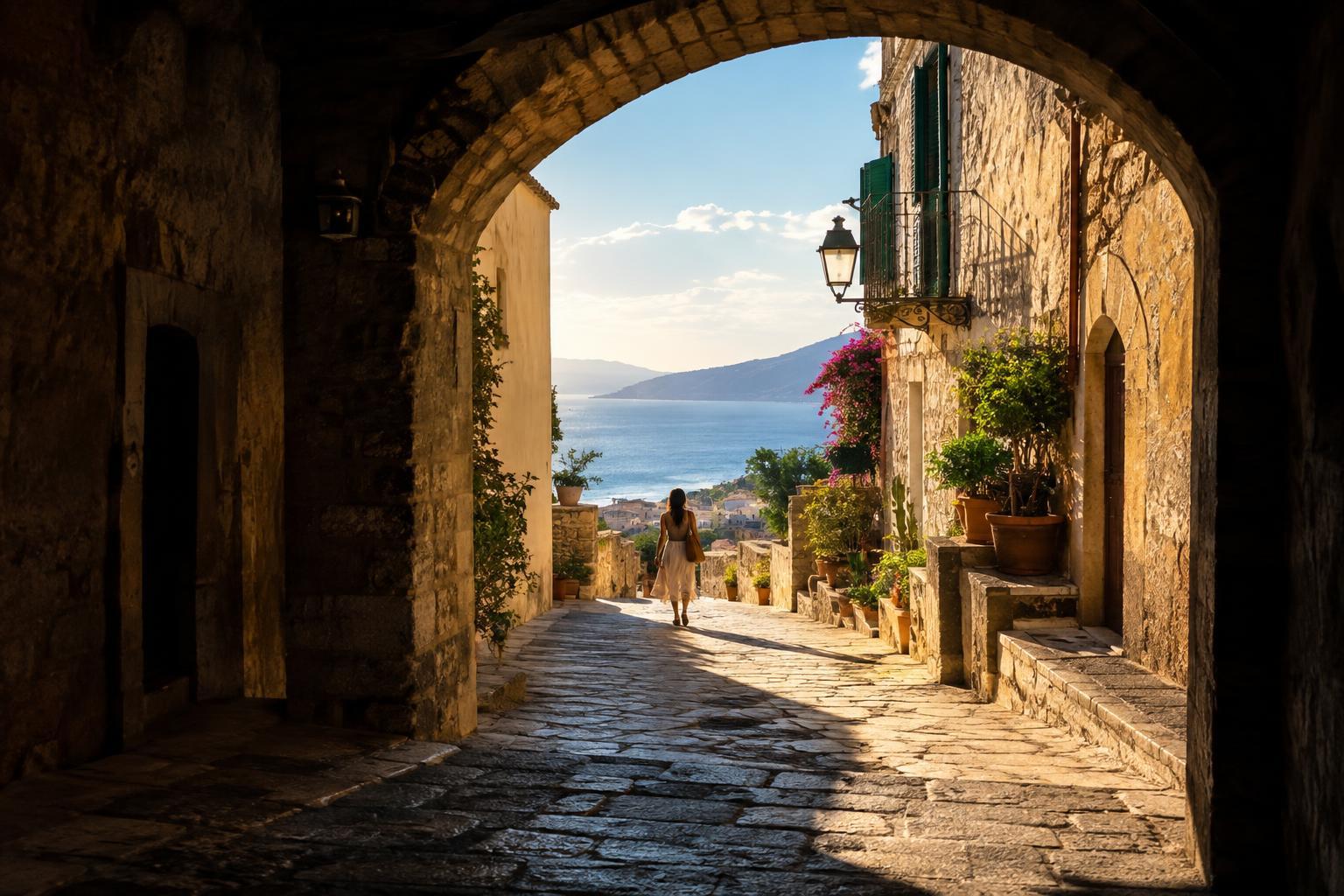
White balance controls how colors are rendered under different kinds of light. When a photo looks too warm, areas you expect to appear neutral may look yellow or orange. When it looks too cool, those areas may lean blue. The goal is not to remove every trace of the light source: late-afternoon sunlight can look pleasantly warm, while an overcast scene may naturally feel cool.
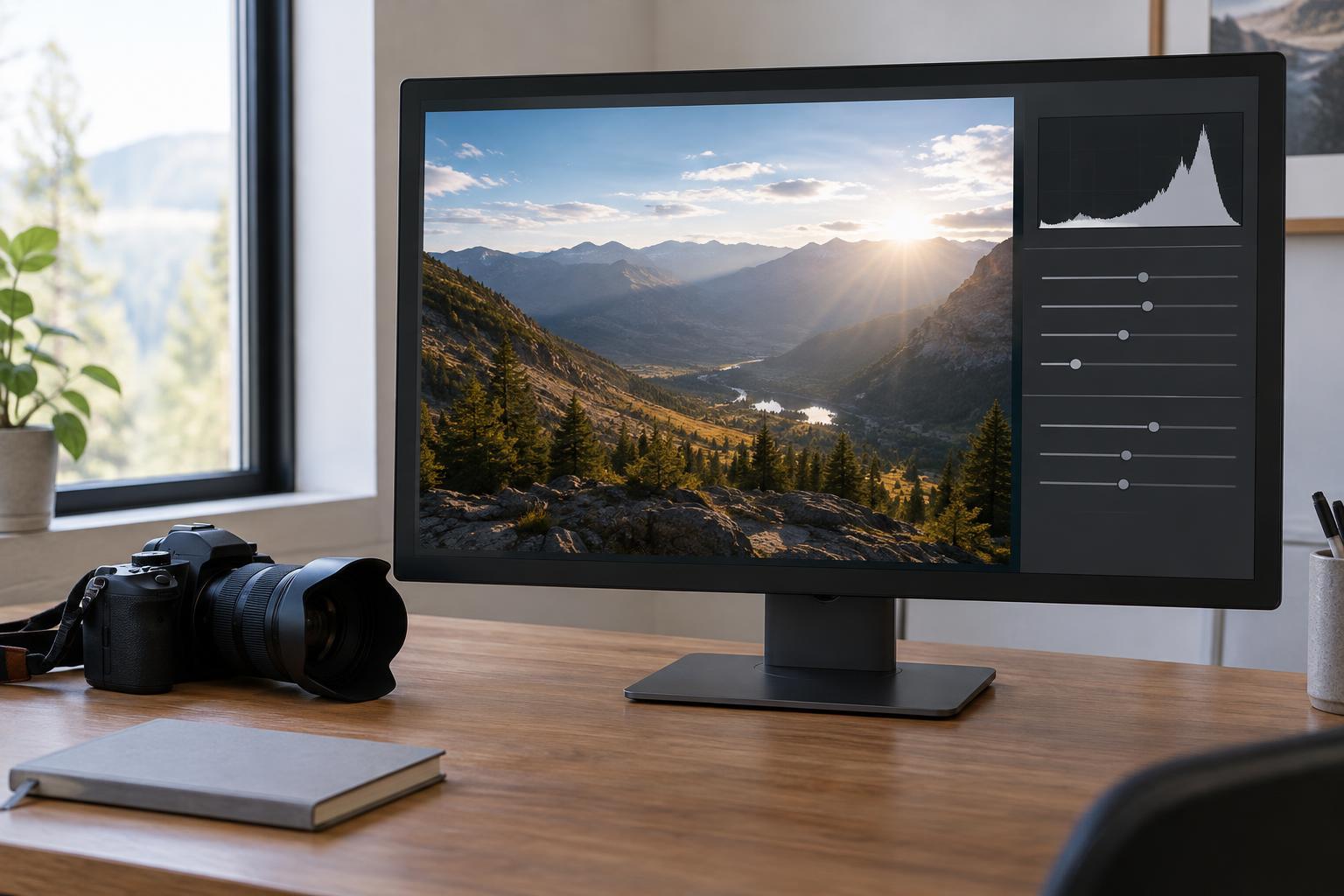
Before moving a slider, look for a useful reference in the scene. A white shirt, gray pavement, or sheet of paper can help, but only if it was neutral in real life and is not reflecting nearby colored light. Skin tones and familiar objects can offer additional clues. Ask what you want the viewer to feel as well as what the scene looked like; a technically neutral setting is not always the best-looking one.
Use temperature and tint as separate controls
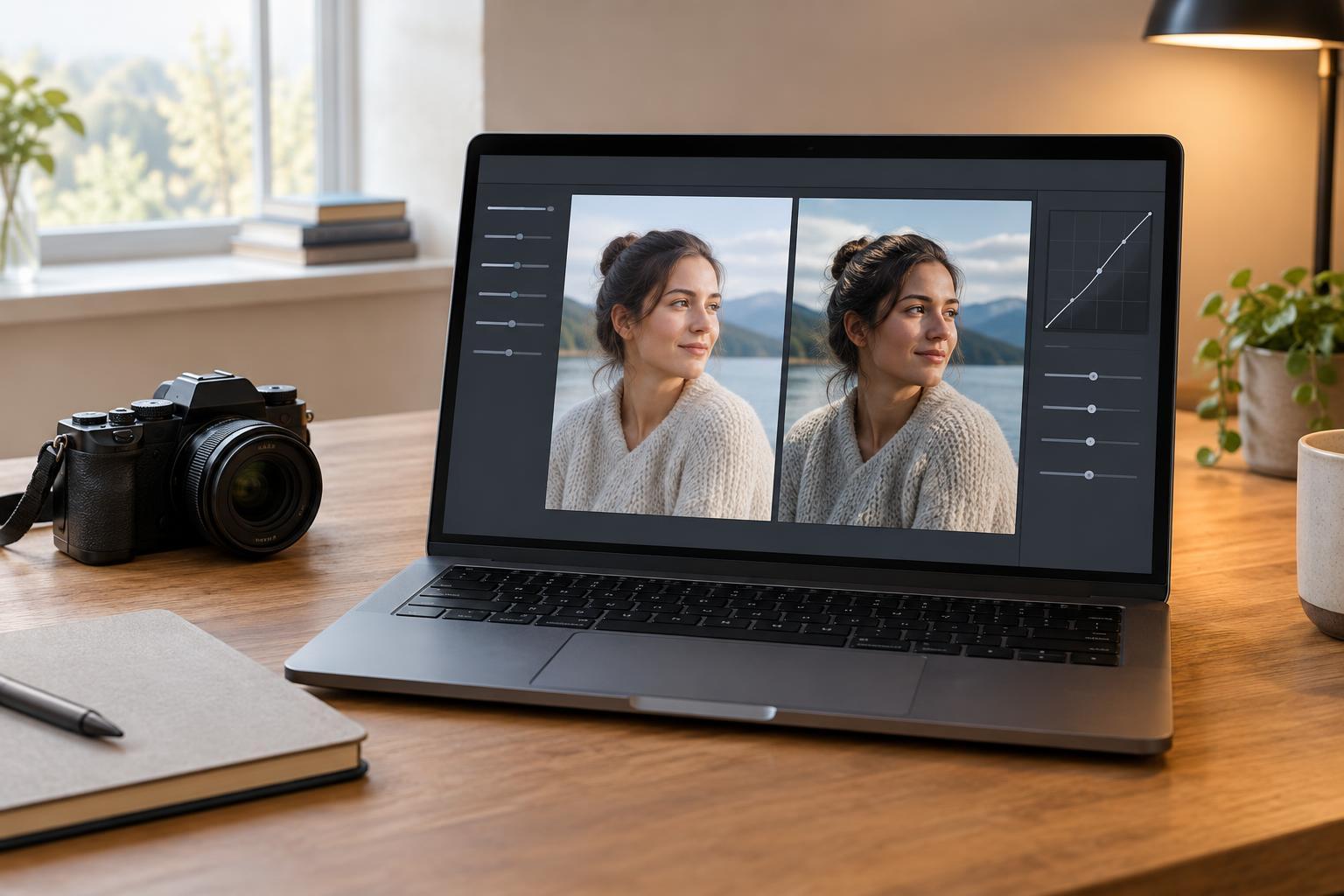
Most editors provide a temperature slider that moves the image between cooler, bluer color and warmer, yellower color. If the photo looks orange, try moving it cooler in small steps. If it looks blue, move it warmer. Pause after each adjustment and check several parts of the frame rather than judging only the brightest area. A strong correction that fixes a wall may make a face look unnatural.
The tint slider addresses a different shift, usually between green and magenta. Fluorescent lighting, shade, or reflected light can leave an image looking slightly green even after its warmth feels right. Adjust tint only as far as needed, then revisit temperature: the two controls can affect how you perceive each other. Viewing the image at a comfortable brightness can make subtle color changes easier to judge.
Try a neutral-point tool, then check its result
Many editing applications include an eyedropper for setting white balance. Click an area that should be neutral gray or white, and the editor will use it as a starting point. Choose a surface with visible detail rather than a blown-out highlight, which may contain too little color information to guide the adjustment. If the sample gives an odd result, undo it and try another spot.
A neutral-point tool cannot know whether a surface was truly neutral or whether it was lit by a colored reflection. A white table beside a red wall, for example, may pick up some red light. After sampling, inspect the whole image, especially faces, shadows, and objects whose colors you recognize. You can still make a small creative adjustment after obtaining a believable baseline.
Handle mixed lighting without chasing one perfect setting
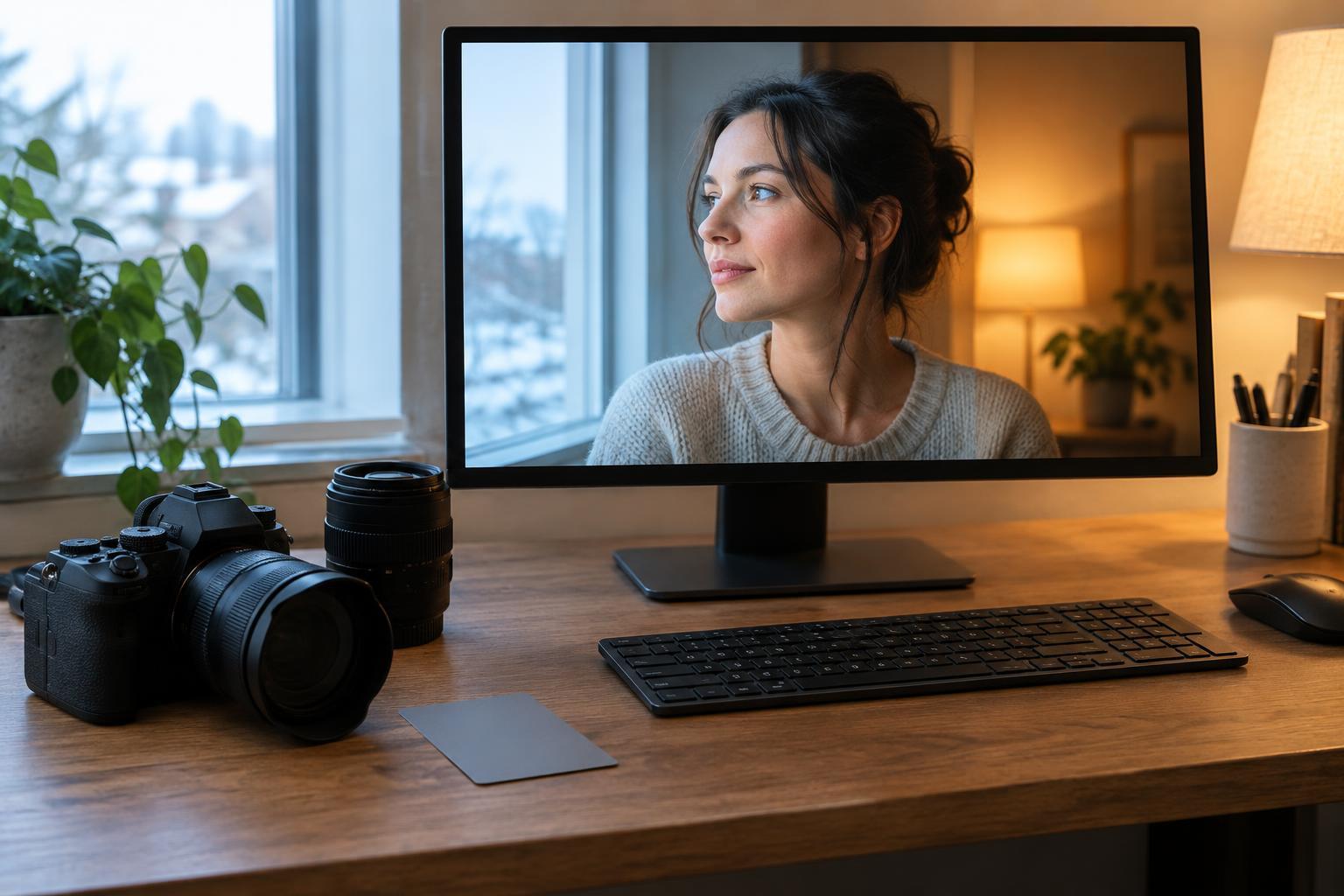
A room lit by both a window and a warm lamp contains more than one color of light. A single global white-balance adjustment may make the window-lit side of a portrait look right while pushing the lamp-lit side too orange. Decide which subject or area matters most and set the overall balance for that area first. Some difference between the light sources can help the picture retain its atmosphere.
If the remaining color cast is distracting, use a local adjustment or mask to make a modest correction in the affected area. Keep transitions soft and compare the edited image with the original to avoid making adjacent surfaces look as though they were lit by unrelated scenes. For future shoots, you can simplify the problem by turning off a competing light or positioning your subject where one source dominates.
Build a repeatable editing and shooting habit
If your camera offers raw capture, it generally gives you more flexibility to change white balance later than a JPEG, where more of the camera’s color decisions are baked in. That does not mean a JPEG is uneditable; it means large shifts may be harder to make cleanly. In either format, review color on a display set to a consistent brightness, and check that a warm screen setting is not influencing your judgment.
For practice, photograph the same simple scene under window light and under a household lamp, including a neutral object in each frame. Edit each image by eye, then try the neutral-point tool and compare the results. Note which areas guided your decision and whether you kept any warmth or coolness on purpose. This exercise helps separate an unwanted color cast from the character of the light.