Decide what the edit is meant to improve
Before moving a slider, describe the photograph’s main job in one sentence. You might want a portrait to feel warm while keeping skin believable, or a street scene to guide attention toward a person crossing the frame. This gives you something more useful to judge than whether the edited version looks more striking. An edit can add contrast and color yet make the original subject harder to notice.
Keep the original available, but do not treat it as an ideal. A camera file may need tonal or color adjustments to convey what you saw. The question is whether each change serves your stated goal. If you cannot explain what a stronger vignette or brighter sky contributes, try switching that adjustment off. You may find the picture works just as well without it.
Make the comparison fair
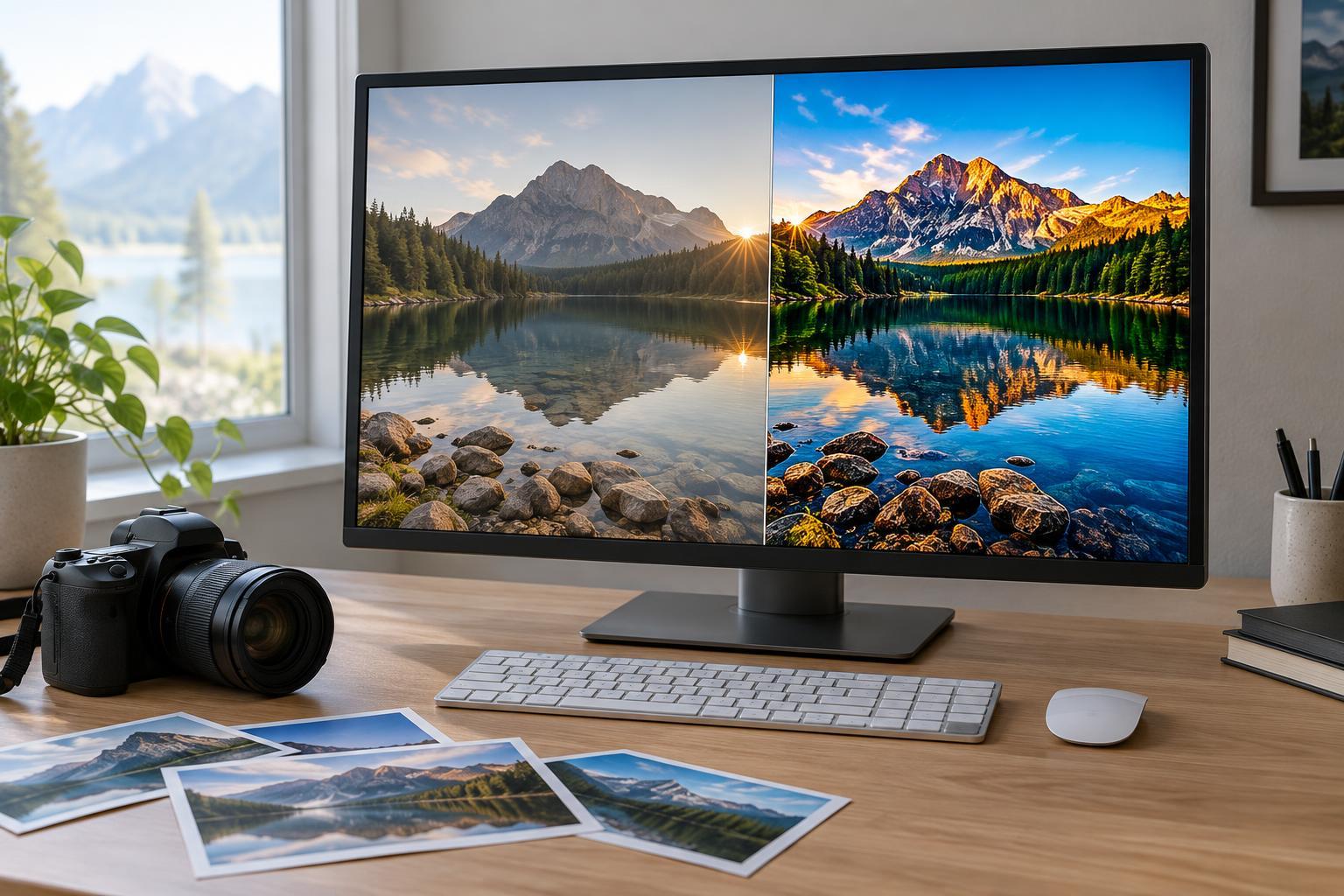
Compare versions at the same size, crop, and zoom level. A larger image can seem more detailed, while a tighter crop can appear more engaging regardless of the color work. If you are evaluating a crop, compare the framing separately first; then assess tonal and color changes using matching frames. Side-by-side views are useful for checking specific differences, while toggling between versions can make shifts in overall mood easier to notice.
Watch for brightness bias. A brighter version often makes an immediate impression, but it may have lost delicate highlights or the sense of depth in darker areas. Look at the subject, then the brightest and darkest important parts of the frame. If your editor offers a histogram or clipping warning, use it as a clue about where to inspect, not as a score for the image. Some photographs benefit from deep shadows or bright areas; what matters is whether the detail you need remains.
Keep the viewing environment reasonably consistent. A change in screen brightness, a strong reflection, or a switch to a different display can affect your judgment. You do not need a perfect setup to make useful decisions. Simply avoid comparing one version on a dim laptop in the evening with another on a bright screen the next morning and attributing every difference to the edit.
Inspect both the whole image and its vulnerable details
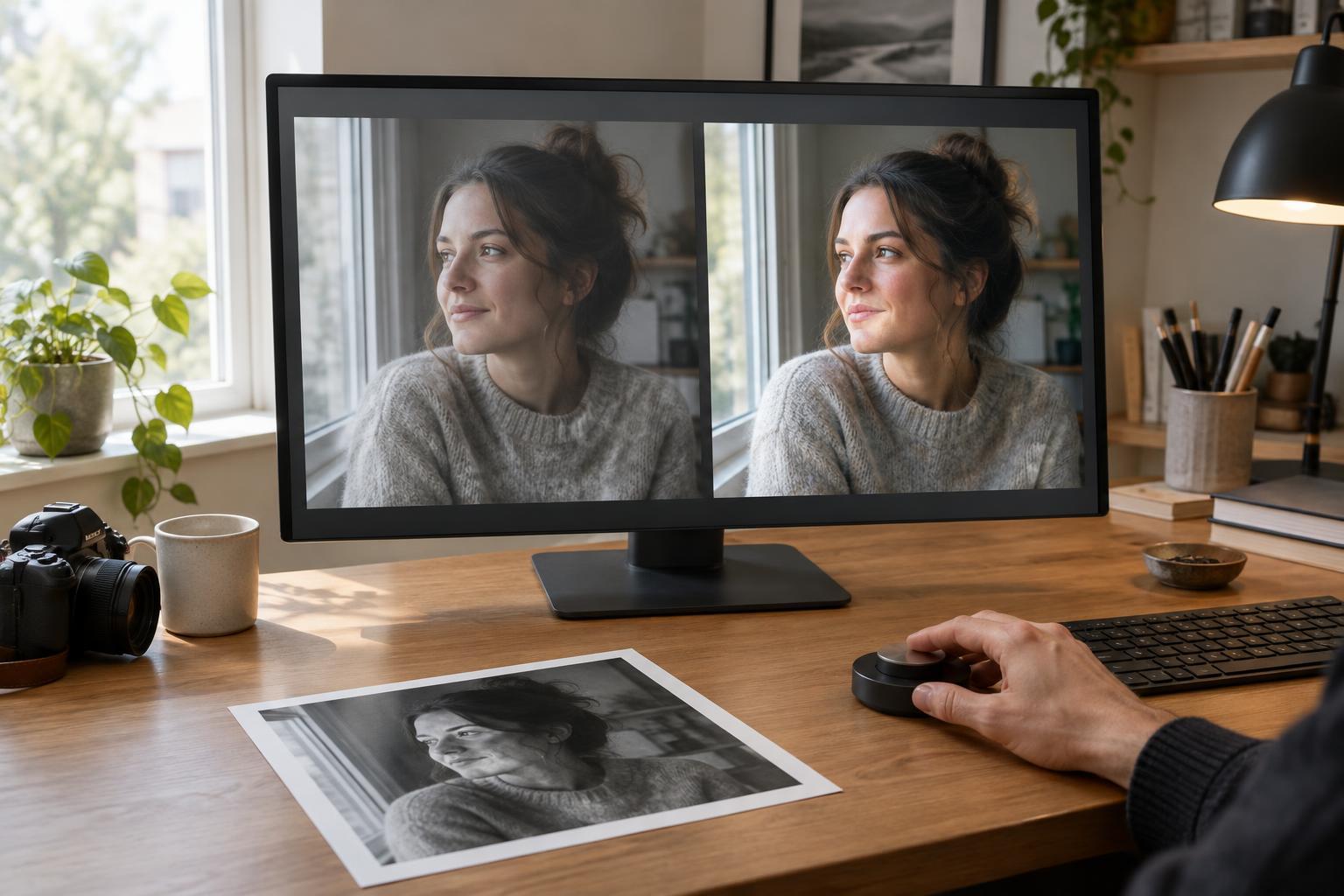
Start with the photograph fitted to the screen. Notice where your eye goes first and whether the edit supports the subject. Then zoom in to inspect areas that are easy to damage: skin texture, hair against a background, fine foliage, smooth skies, and edges around high-contrast objects. Strong sharpening or noise reduction may seem helpful at a small size but look unnatural up close. Conversely, a minor flaw visible only at extreme zoom may not matter in the intended use.
Check color in familiar materials as well as in the most colorful part of the scene. Skin, neutral walls, and white clothing can reveal an unwanted color cast. In landscapes, ask whether increased saturation has made different greens or blues collapse into a single loud patch. You are not looking for one universally correct color. You are checking whether the relationships within the picture still feel coherent.
Give your eyes a reset
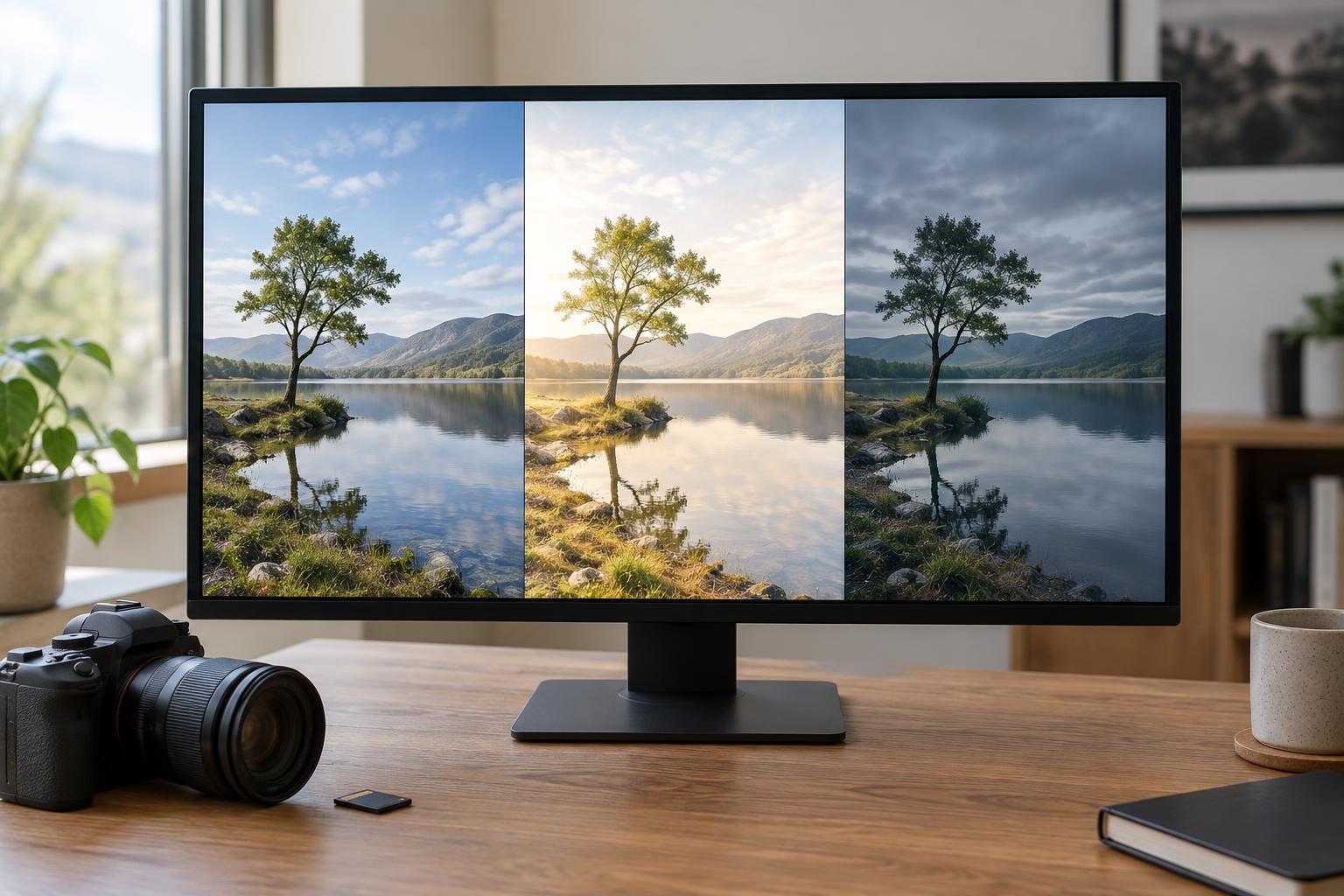
After a long editing session, gradual changes can become hard to judge. Save a version, step away, and return to it with the original and a restrained alternative. On your return, view all three at the same size before opening the adjustment controls. Ask which version best communicates your initial goal, not which one took the most work.
Try a small experiment when you are unsure: duplicate your edit and reduce one prominent adjustment, such as saturation, clarity, or a local brightening effect. Compare the two edited versions without repeatedly moving the slider between extremes. A less forceful version may retain the improvement while drawing less attention to the processing. If your editing software allows snapshots or virtual copies, they make this test easy without sacrificing your work.
Judge the result where it will be seen
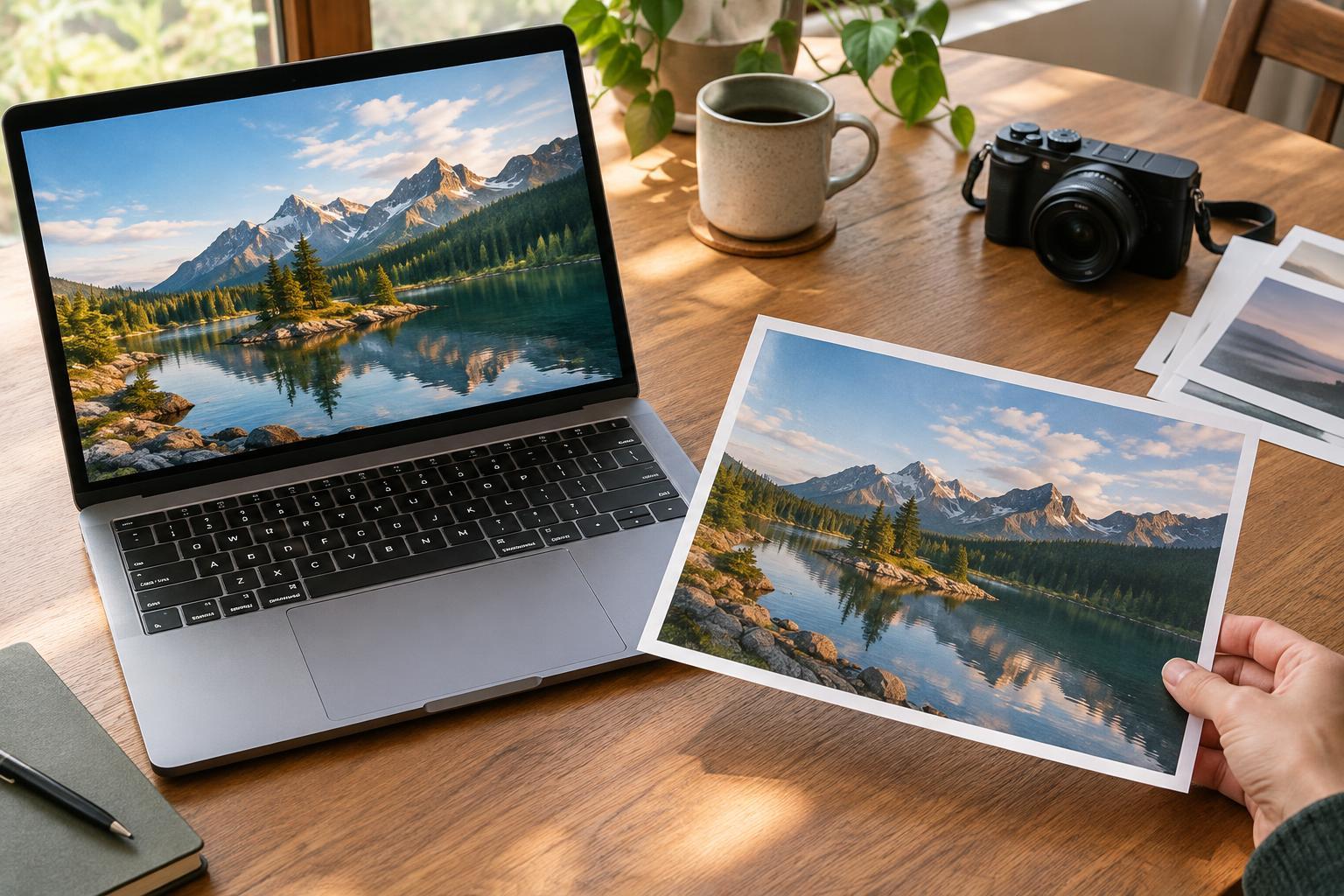
A photograph intended for a small screen should be reviewed at roughly that scale; an image meant for print deserves a check at an appropriate viewing size as well as a close inspection. Export settings and resizing can change how sharpening and fine detail appear, so compare finished files when the destination matters. Look at the image without the editing interface around it, which can otherwise encourage you to focus on controls rather than the photograph.
For practice, choose one image and make two edits from the same original: one deliberately bold and one restrained. Write down what each improves and what each sacrifices. Compare them immediately, then return later and choose the version that best serves the subject. The exercise is not about always choosing subtle edits. It teaches you to recognize when a visible difference is a meaningful improvement—and when it is only a difference.