Start by separating selection from deletion
Culling is the process of choosing which photographs deserve more attention. It does not have to mean immediately deleting everything else. That distinction makes decisions easier: during the first pass, you are selecting candidates for editing, not making a permanent judgment about the value of every frame.
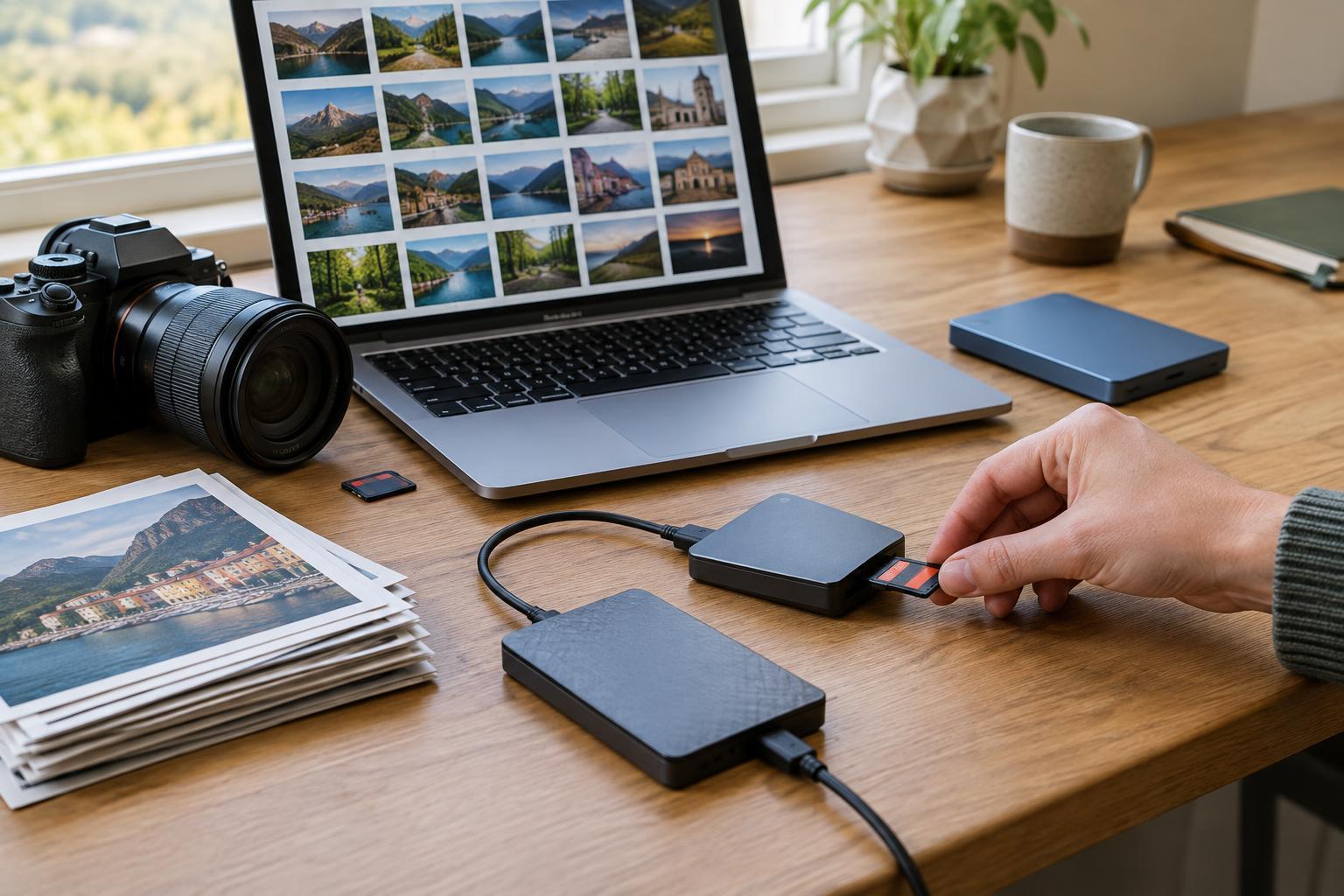
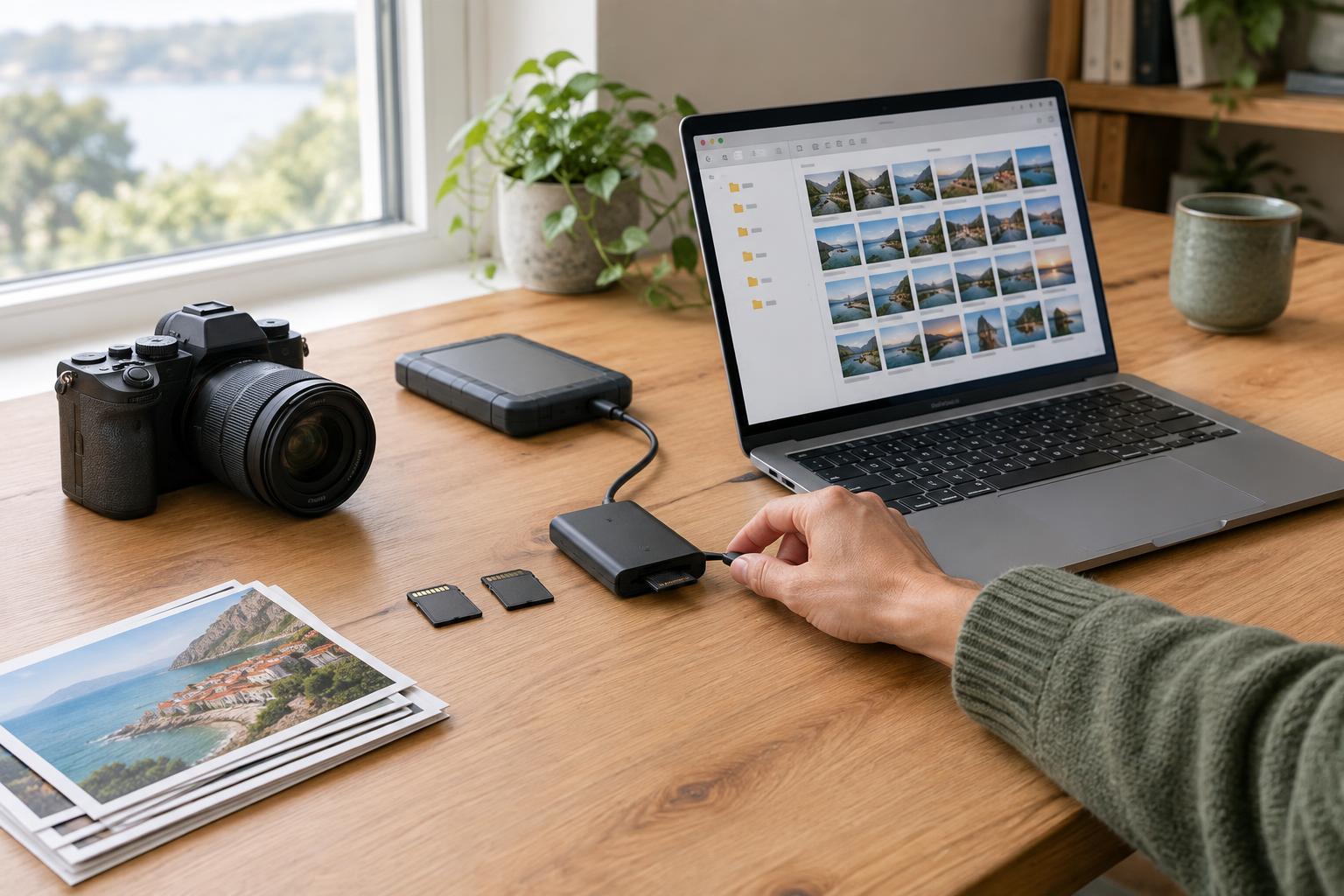
Before you begin, copy the shoot to your usual storage location and confirm that the files open. If you plan to delete originals later, make sure your backup is in place first. Work within one folder, collection, or catalog for the shoot so your ratings and selections stay together. You can use stars, color labels, flags, or separate folders; the best system is one you will understand when you return to it.
Give the shoot a purpose before looking closely. Are you choosing a small portrait set, building a travel story, or finding one image for a print? A frame can be perfectly usable yet unnecessary for that particular goal. Knowing the intended use helps you choose photographs rather than merely accumulate them.
Make a fast first pass for clear rejects
Move through the shoot at a comfortable pace and mark only the obvious problems: accidental shutter presses, blocked subjects, missed focus where sharpness matters, severe motion blur, or expressions nobody would want to share. Avoid adjusting exposure or color at this stage. Editing each image before you know whether it belongs in the set makes the task much longer.
Be careful not to apply technical rules blindly. Motion blur may strengthen a photograph of movement, and an imperfectly exposed frame may still contain a moment you cannot repeat. Ask whether the flaw interferes with the image’s purpose. If you are uncertain, leave the frame unmarked for now rather than spending several minutes debating it.
When you finish, filter out the clear rejects and look at what remains. This first pass should reduce visual clutter, not produce a final selection. If the shoot contains many near-identical bursts, you can postpone those choices until the next pass, when comparison will be more useful than viewing each frame alone.
Compare similar frames side by side
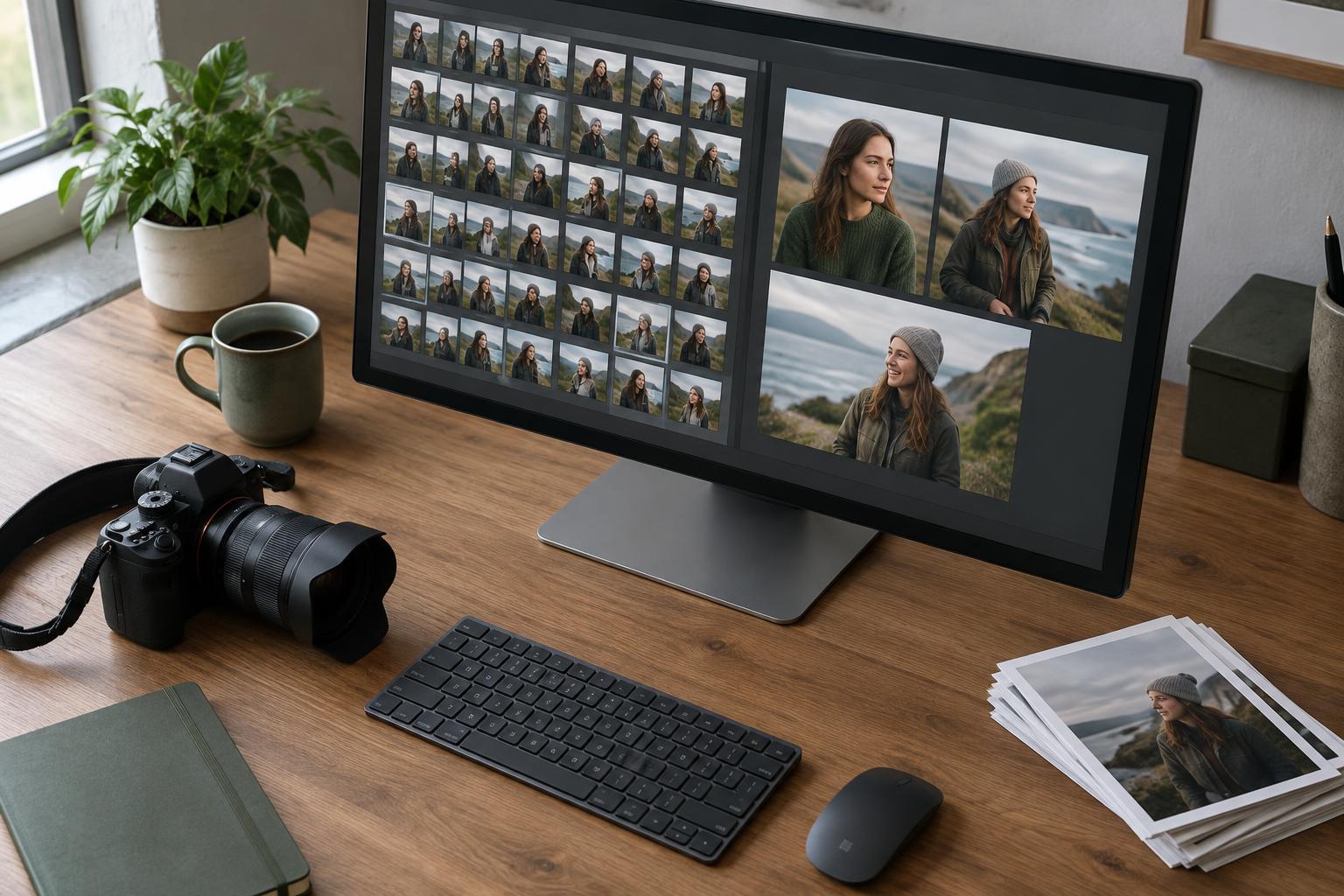
Group photographs that show the same subject, gesture, or composition. In a portrait burst, compare the eyes, expression, hand position, and small changes in posture. In a landscape sequence, look at the placement of moving elements, the balance of the frame, and whether the light or atmosphere changed. A contact sheet or compare view can make these differences easier to see than flipping between full-screen images.
Choose a leader from each group before choosing backups. If two frames do almost the same job, keep the one with the stronger moment or cleaner composition in your edit selection. A backup can be useful when it offers something meaningfully different, such as another expression, orientation, or crop option. Keeping five frames because each is slightly different usually postpones the same decision until later.
Try judging the image as a whole before zooming in. Ask where your eye goes first and whether the photograph says what you want it to say. Then check focus and other details at a useful viewing size. Magnification can reveal a genuine problem, but it can also make tiny differences feel more important than they will be in the finished image.
Build a set with variety and a clear purpose
Once you have chosen the strongest frame from each group, review the selections together. Culling a set is different from choosing individual winners. Ten strong close-ups may feel repetitive, while a mix of wide scenes, details, and human moments can tell a fuller story. Look for images that add new information or change the pace, rather than repeating a photograph you have already chosen.
Give your selections a simple status. For example, one flag can mean “edit,” while a higher rating can mean “final candidate.” Reserve the highest status for images you would actually want to export or share. If you find yourself marking nearly everything as a favorite, compare the favorites against one another and narrow them again.
You can also make a quick, consistent adjustment to promising frames if their appearance is making comparison difficult. A basic exposure or white-balance correction may reveal an image’s potential. Keep this light: detailed retouching and creative color work belong after the selection is smaller.
Finish with a review you can trust
Take a short break before making the final cut, especially after a long shoot. On returning, view the selection without the unchosen frames beside it. Notice whether any image feels weak, redundant, or missing from the sequence. Revisit the remaining candidates only to fill a specific gap; otherwise, it is easy to restart the entire debate.
Export or edit your chosen set, then decide what to do with the rest according to your storage needs and backup habits. Some photographers retain the full shoot; others eventually remove definite rejects while preserving viable alternatives. Either approach is more manageable when your picks are clearly marked and your originals are protected.
For practice, cull one small shoot in three passes: clear rejects, one leader per similar group, and a final set review. Note where you slowed down. The goal is not to make every choice instantly. It is to build a repeatable process that leaves you with photographs you are ready to edit, rather than a folder you are reluctant to open.