Start with groups that actually belong together
Batch editing works best when a group of images has a shared starting point. Photos made in the same room under steady window light, for example, may need similar white balance and color adjustments. Images from that room after a lamp is switched on may not. Before touching the sliders, separate your photos into small groups by lighting, location and camera setup rather than applying one look to an entire shoot.
Review each group and remove obvious rejects such as accidental frames, missed focus and near-duplicates you do not want to keep. If you shot in RAW, those files usually offer more room to adjust exposure and white balance than JPEGs; either format can benefit from a consistent workflow. Keep the originals intact and work with a catalog, sidecar files or copies, depending on your editor. This makes it easier to revisit a decision without rebuilding the set.
Edit a representative frame first
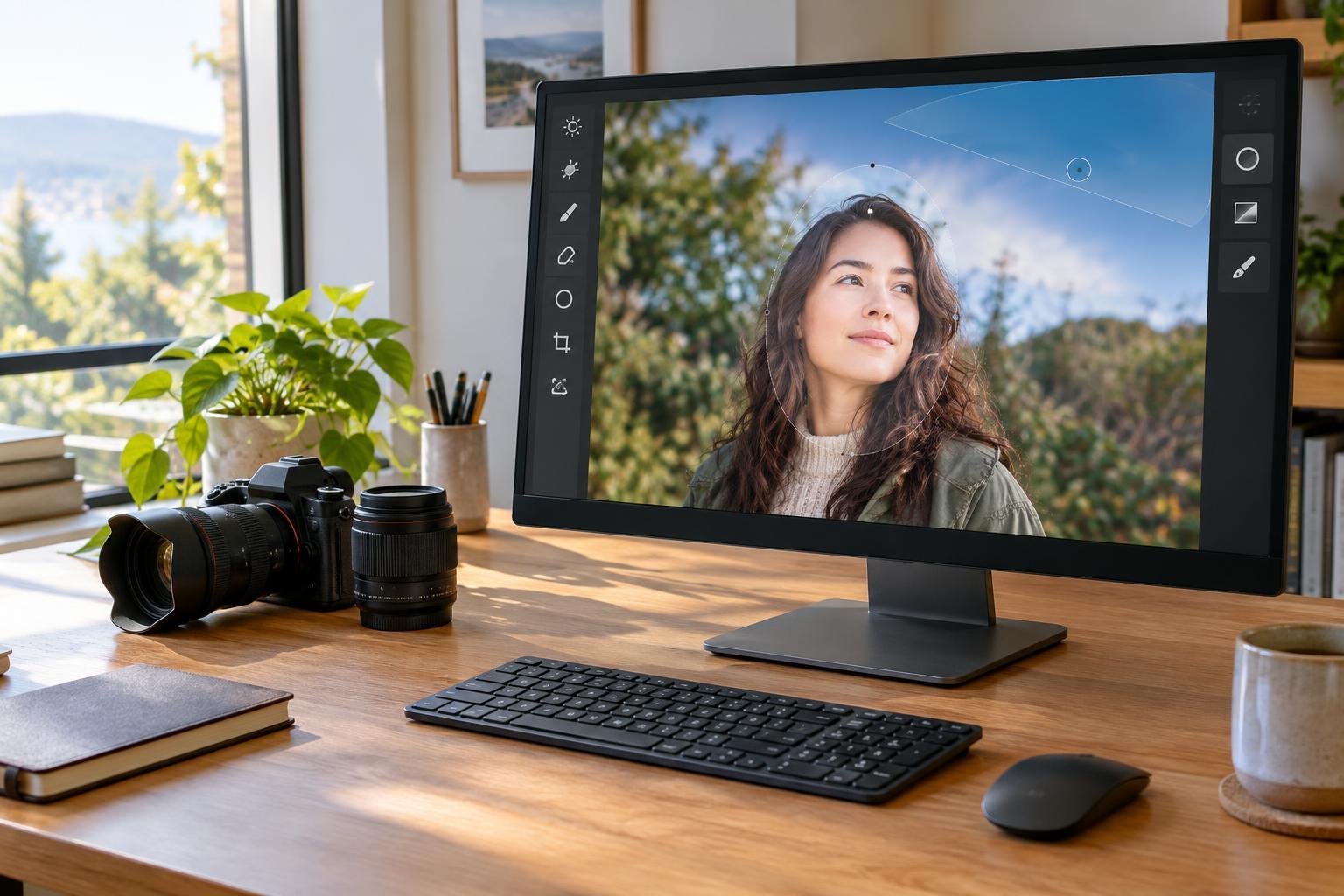
Choose a reference image that reflects the typical light and subject in the group. Avoid starting with the darkest, brightest or most unusually colored frame. If you photographed portraits against the same wall, pick one with a clearly visible face and a background that resembles the rest. An outlier can lead you to sync corrections that are too strong for the majority.
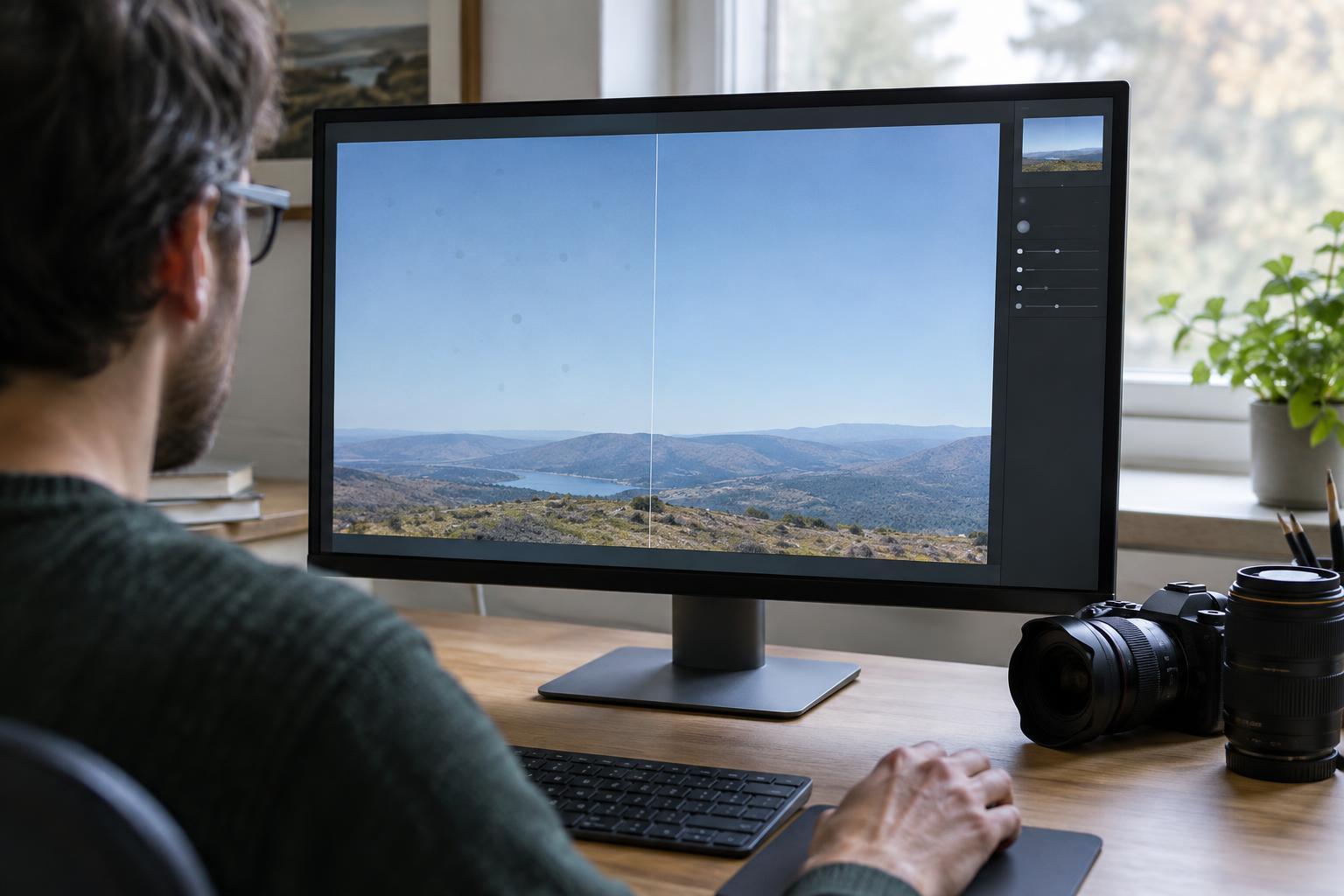
Make broad adjustments before fine ones. Set a believable white balance, then adjust exposure, highlights, shadows and contrast so important details remain readable. Refine color and tone with restraint: a dramatic edit that works on one frame may overwhelm another. If your editor offers a before-and-after view, use it to check that you are improving the image rather than simply making it more intense.
Consider which changes depend on the frame itself. A shared camera profile or modest color treatment may transfer well. Cropping, straightening, spot removal and subject-specific masks often need individual attention. Lens corrections can be useful across files made with the same lens and settings, but inspect the edges after applying them.
Sync shared adjustments, not every adjustment
Most editing applications let you copy settings from the reference image and paste or synchronize them across selected photos. Look at the list of settings before confirming. Begin with adjustments the group genuinely shares, such as white balance, a tone curve, color treatment or lens corrections. If the light changed slightly between frames, you may want to leave exposure unchecked and adjust it later image by image.
Be especially cautious with local edits. A mask drawn over a face may land in the wrong place when a person moves. A healing adjustment for a mark on one wall might cover a useful detail in another composition. Some editors can update subject masks after syncing, but you should still inspect the result. The goal is to automate the repeatable decisions, not to assume every photograph is identical.
Check for exceptions in context
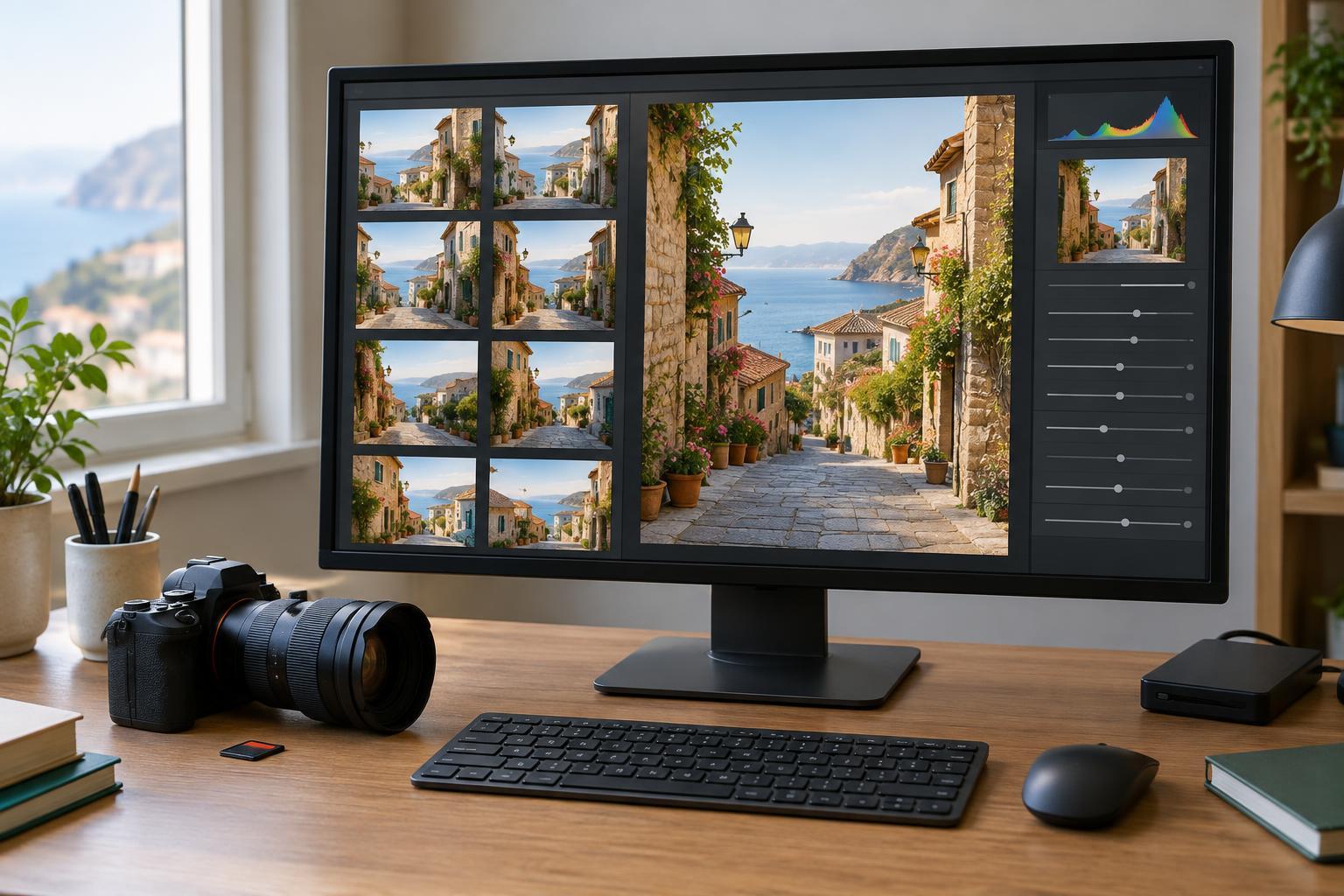
After syncing, review the group in a grid to spot images that look noticeably warmer, darker or more saturated than their neighbors. Then open those exceptions at a larger size. Pay attention to skin tones, neutral surfaces, bright areas and deep shadows; these can reveal a mismatch that is easy to miss when viewing a single image alone.
Correct exceptions individually rather than weakening a good shared edit to accommodate one difficult frame. A cloud passing over the sun, a subject stepping into shade or a reflective surface entering the composition can each change what an image needs. Check crops and masks on every keeper, and zoom in where you need to judge sharpness or visible editing artifacts. For a useful practice exercise, edit one frame from a short sequence, sync only its global color and tone settings, then identify three frames that still need separate work.
Export a consistent set and save your work
Before export, compare the first and last images in the group as well as several from the middle. Make sure they feel related without forcing different scenes to look identical. Choose export size, format and sharpening for where the pictures will be used, and apply those choices consistently within the set. A small sample export can help you catch an unexpected crop or color shift before processing everything.
Finally, keep your edited project or adjustment data alongside a sensible backup of the original files. Batch editing saves the most time when your choices remain reversible: you can improve one shared adjustment, resync it where appropriate and leave the exceptions alone. Treat the first pass as a starting point and the final review as an essential part of the edit.