Choose one home for your photo library
An import system does not need to describe every photograph. Its first job is to make a shoot easy to find and keep its files together. Start with one main Photos folder in a storage location you can maintain. Inside it, make a folder for each year, then one folder for each shoot or import. A path might read Photos / 2026 / 2026-04-18_garden-portraits. The date keeps folders in order, while a short description helps you recognize the work without opening it.
Use the same date format every time: year-month-day sorts neatly by name. Pick a description you would naturally search for later, such as a place, subject, or project. If you photograph the same subject twice in one day, add a distinguishing word rather than creating two identically named folders. You can organize finished selections by project elsewhere, but keeping the imported originals together makes it easier to confirm what arrived from a card.
Give files names that stay unique
Camera filenames are convenient until two cards both contain a file called DSC_0001. A useful rename pattern combines the shoot date, a brief label, and a sequence number: 2026-04-18_garden-portraits_0001. Keep the number padded with zeros so files sort in the order you expect. Avoid characters that have special uses in file paths, such as slashes and colons; letters, numbers, hyphens, and underscores are easier to use across devices.
If you shoot with multiple cameras, either run one sequence across the whole import or include a short camera identifier in the name. Do not rely on the original camera number alone to prevent collisions. Keep each file’s extension, such as .CR3 or .JPG, intact. When a camera records RAW and JPEG versions together, matching base names can help you identify the pair; check how your import software handles paired files before applying a bulk rename.
You do not have to rename every existing photograph to adopt this system. Choose a pattern for new imports and use it consistently. A predictable, modest scheme is more useful than an elaborate one you abandon after two shoots.
Build an import routine you can repeat
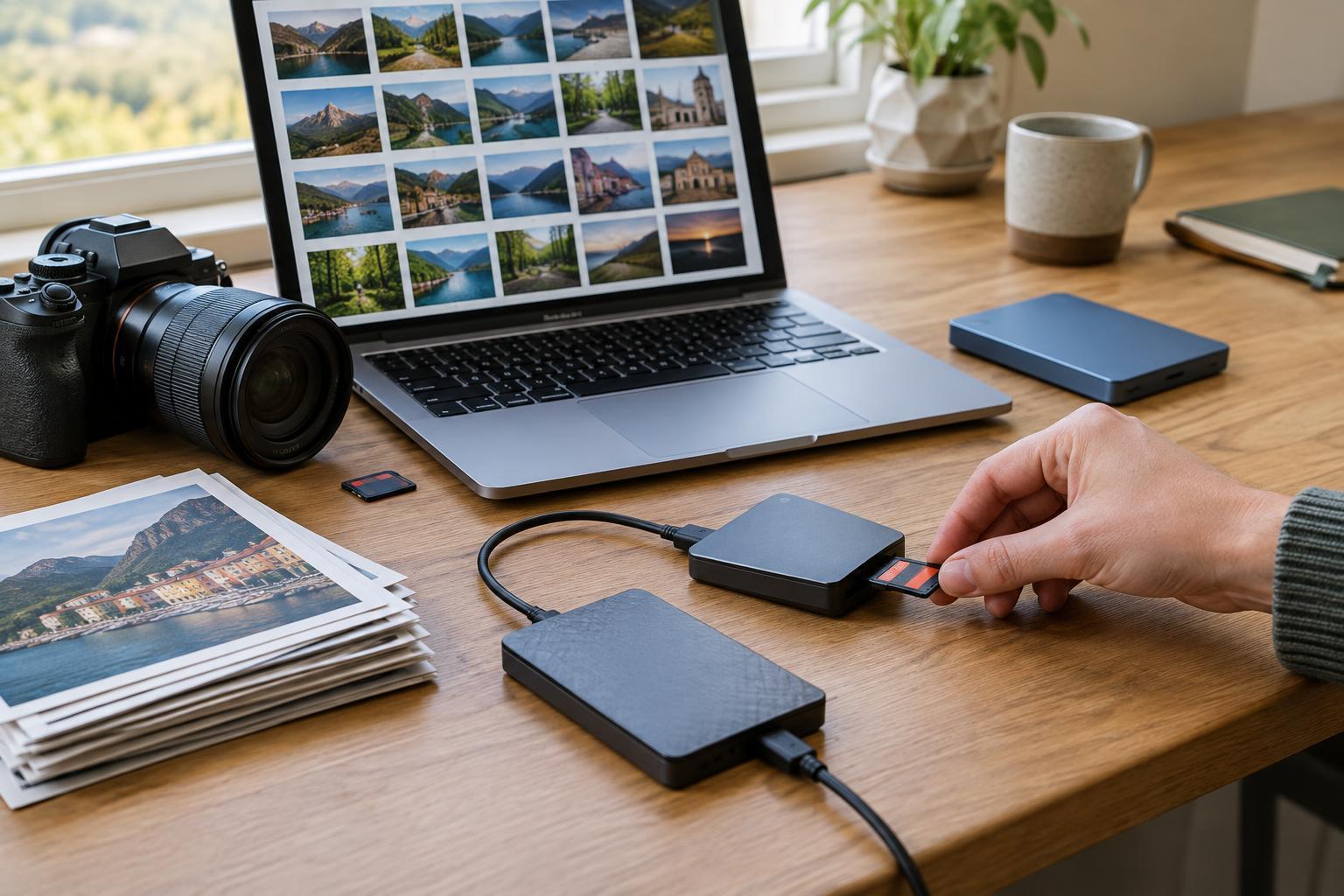
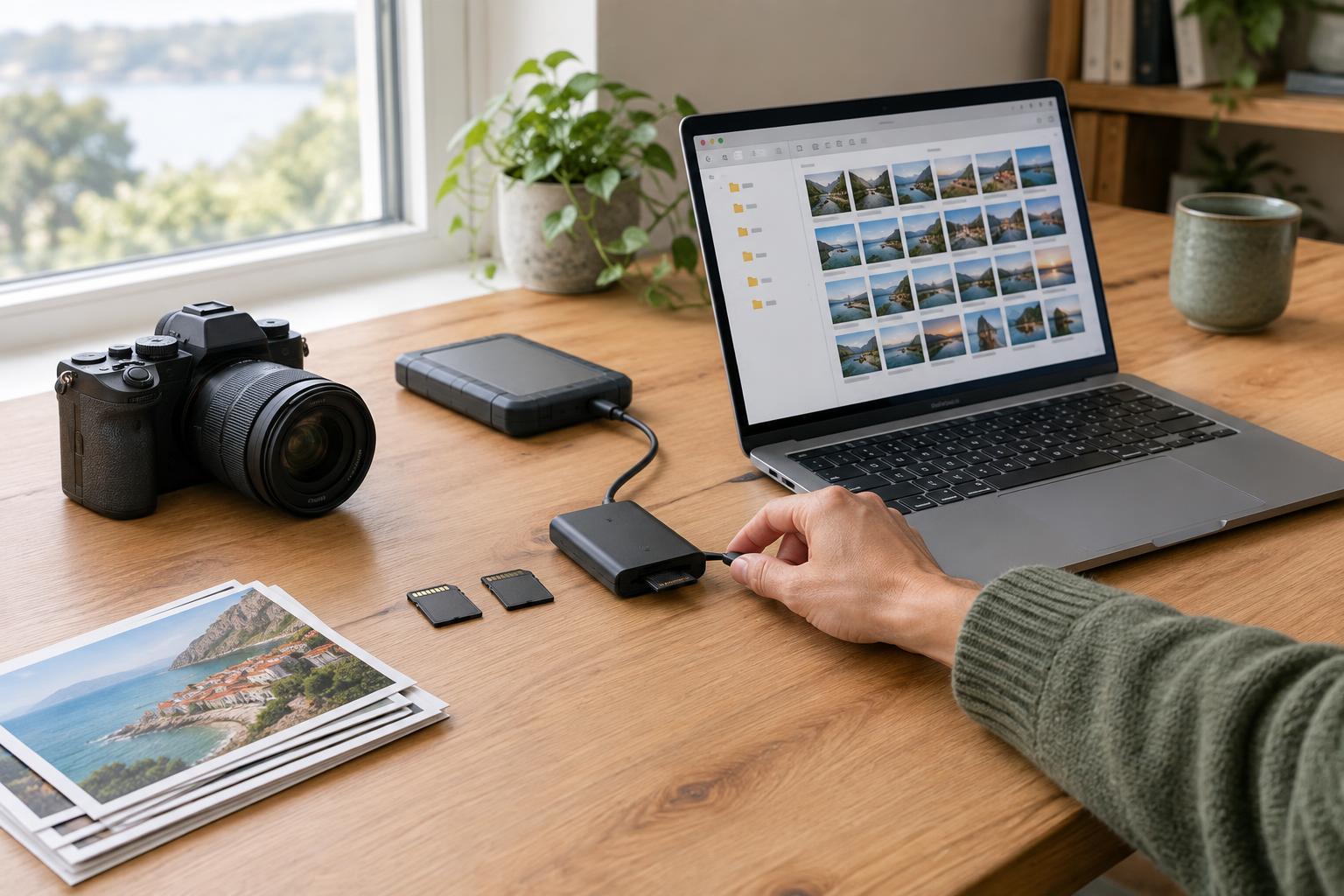
Before importing, create or select the shoot folder and check that the destination has enough space. Copy the card’s photos into that folder using your editing application or file manager. If the application offers renaming during import, preview the proposed names and destination before starting. When using a file manager, copy rather than move from the card so the originals remain there while you check the import.
After the transfer, compare the number of files on the card with the number you expected to import. Account for videos, RAW-and-JPEG pairs, and files you intentionally skipped. Open a few photographs from different points in the shoot, including one near the end. This is a practical check, though it cannot prove that every file is perfect. If something is missing, investigate before changing or clearing the card.
Only then make a second copy to another storage location as part of your backup routine. A second folder on the same drive is not a substitute for a backup if that drive fails. Avoid formatting the memory card until you have confirmed the import and its backup. This pause is especially valuable when you are tired after a long day of shooting.
Keep originals separate from working files
The shoot folder can hold subfolders when you need them, but start with as few as possible. For example, Originals can contain the imported camera files, while Exports can contain finished JPEGs prepared for sharing. If your editor stores a catalog or sidecar files, learn where it saves them so they are included in your backup plan. Do not move or rename originals outside a catalog-based editor without checking how to relink them; the editor may otherwise lose track of their location.
Exports benefit from names that describe their purpose, such as 2026-04-18_garden-portraits_0012_web.jpg. Keep export names distinct from original names so you do not overwrite a camera file by accident. You can delete and remake an export if your edit is preserved, but replacing an original is harder to undo.
Test the system with your next shoot
Try the routine on one small card before reorganizing an entire archive. Create the dated folder, import and rename the files, check the result, and make a backup. A week later, see whether you can find one particular frame without relying on your editor’s recent-import list. If the folder description is too vague or the filenames are too long to read comfortably, adjust the pattern for the next shoot.
The best system is one you can follow without much thought. A clear home folder, a consistent shoot name, unique filenames, and a deliberate check after copying will do more for everyday retrieval than a complicated hierarchy of folders.