Start with the job, not the editing tool
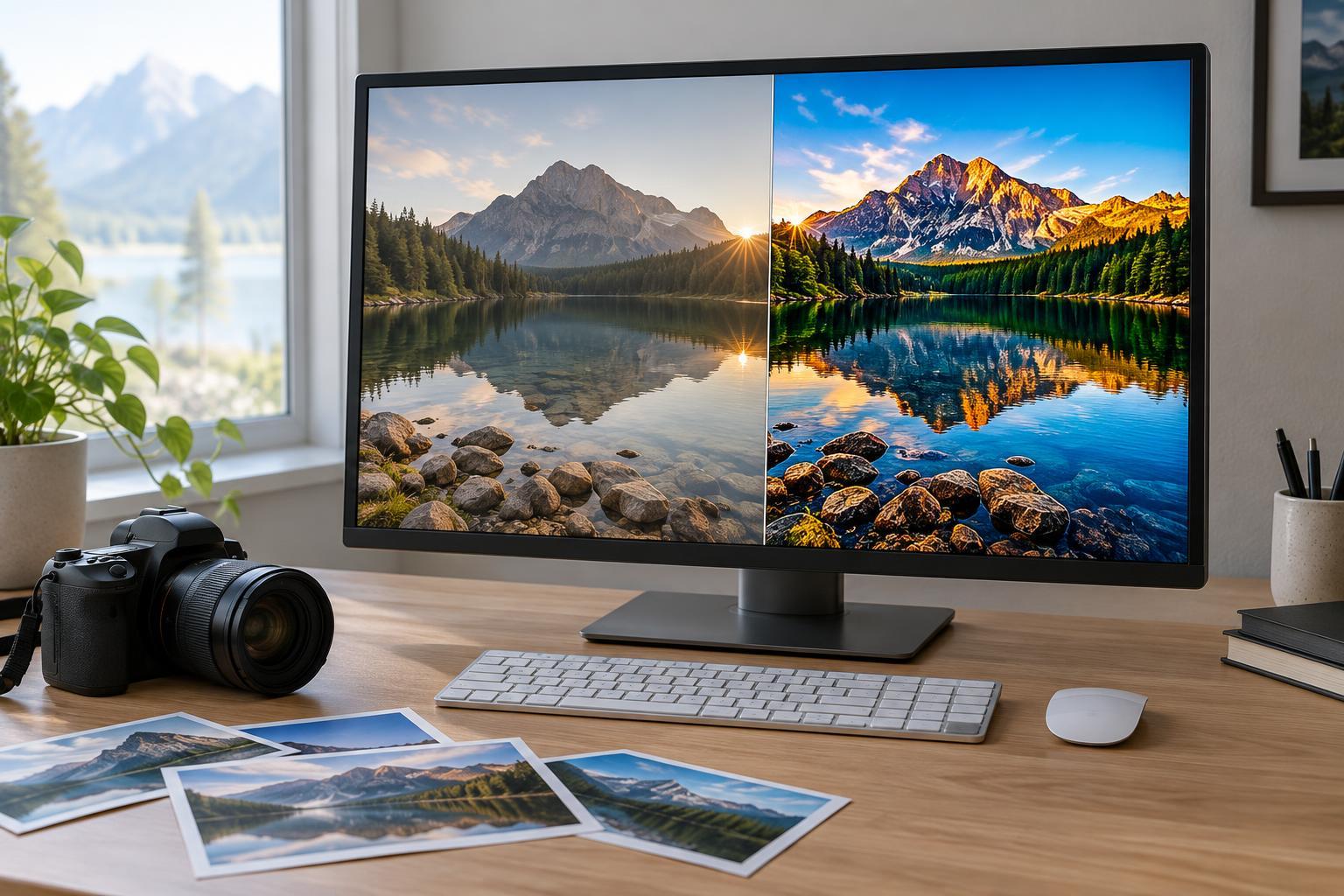
A preset is a saved collection of editing settings applied to a photo in one step. Depending on the software, it might adjust contrast, color, sharpening, or several controls at once. A manual edit means choosing and adjusting those controls for the image in front of you. Neither approach is automatically faster: the time you save by applying a preset can disappear if you have to undo settings that do not suit the photo.
Before editing, look at the group of images you need to finish. Were they made in similar light, with similar subjects and camera settings? Do they need a consistent look, or does each frame have a different problem to solve? Those answers are more useful than deciding in advance to edit everything by hand or apply the same preset everywhere.
When presets earn their place
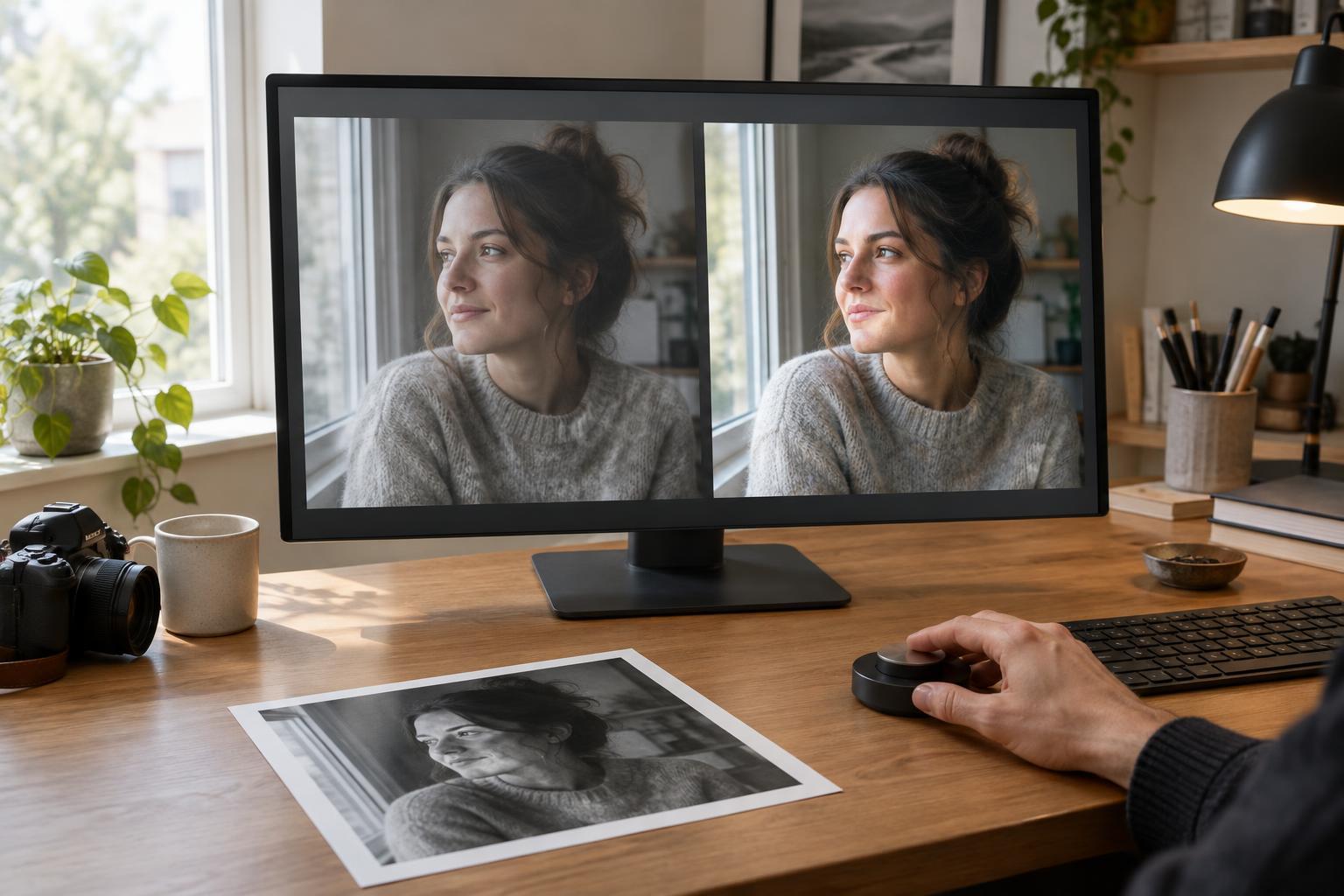
Presets are most useful as a starting point for images that share conditions. If you photographed a portrait session in steady window light, a restrained preset can establish a similar contrast and color direction across the set. You can then make smaller adjustments to exposure, white balance, and crop on individual frames. The preset handles repeated choices; you still check whether each photograph looks right.
They can also reduce decision fatigue. When you already know the look you want, starting from a familiar set of settings may keep you from trying several unrelated treatments on every image. A simple preset that changes only a few controls is often easier to adapt than a dramatic one. Apply it to a representative photo first, then inspect both bright and dark areas and, for portraits, skin tones. If it creates problems in those areas, try a different starting point rather than forcing it across the whole set.
When manual edits are the shorter route
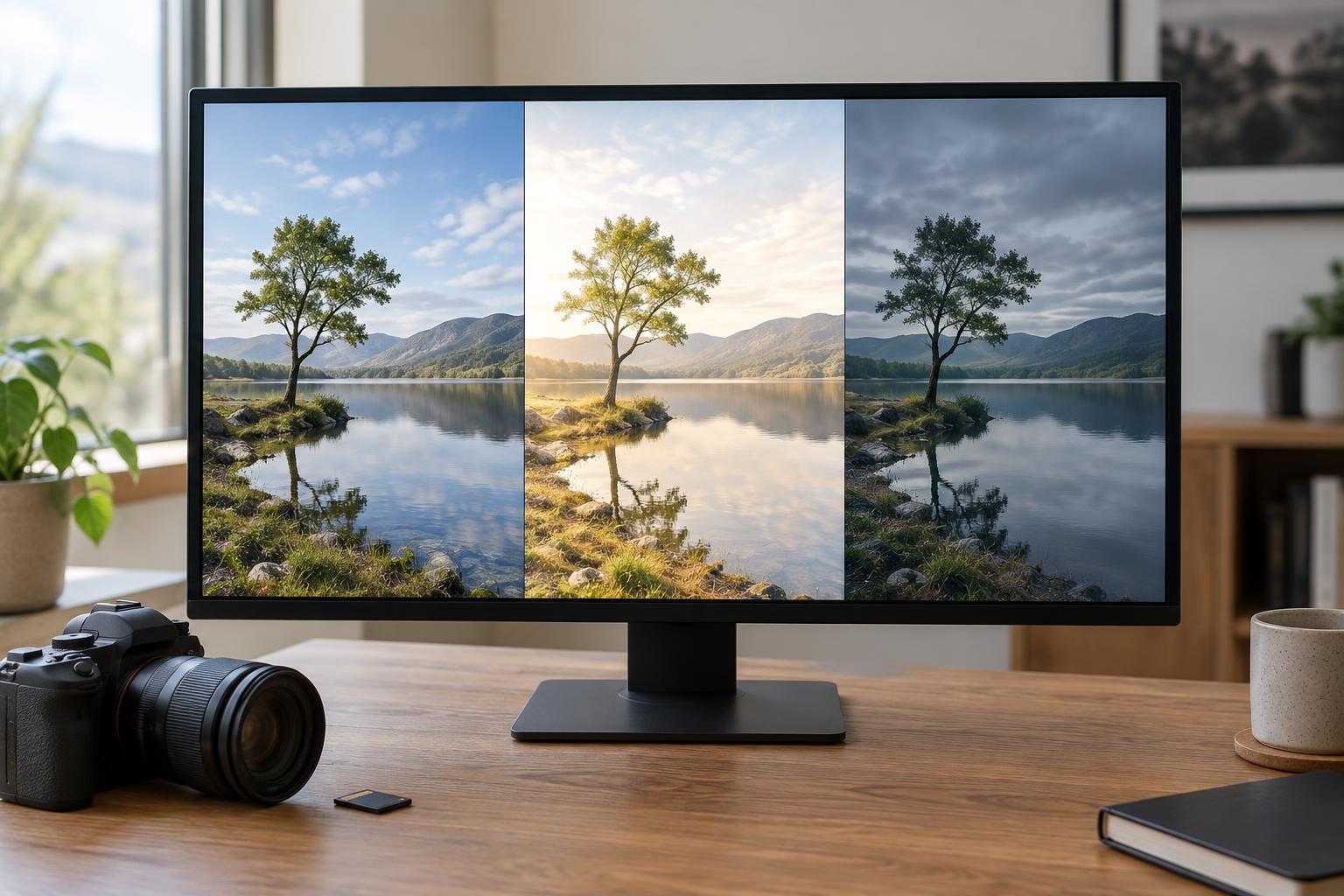
Manual editing often saves time when a photo differs from its neighbors. Mixed indoor lighting, a strongly backlit subject, or a vivid background may call for a different white balance or tonal balance. Applying a preset and then correcting several unwanted changes adds a step. In those cases, begin with the most visible issue: adjust overall brightness, set a plausible color balance, and decide where you want the viewer to look.
Manual work also gives you more control over images that matter especially to the final collection. A close portrait might need careful attention to skin color, while a travel photo with a bright sky and shaded street may need separate tonal adjustments. Those choices depend on the particular frame. Spending an extra minute on a selected image can be more efficient than trying to build one preset that accounts for every exception.
A hybrid workflow for a consistent set
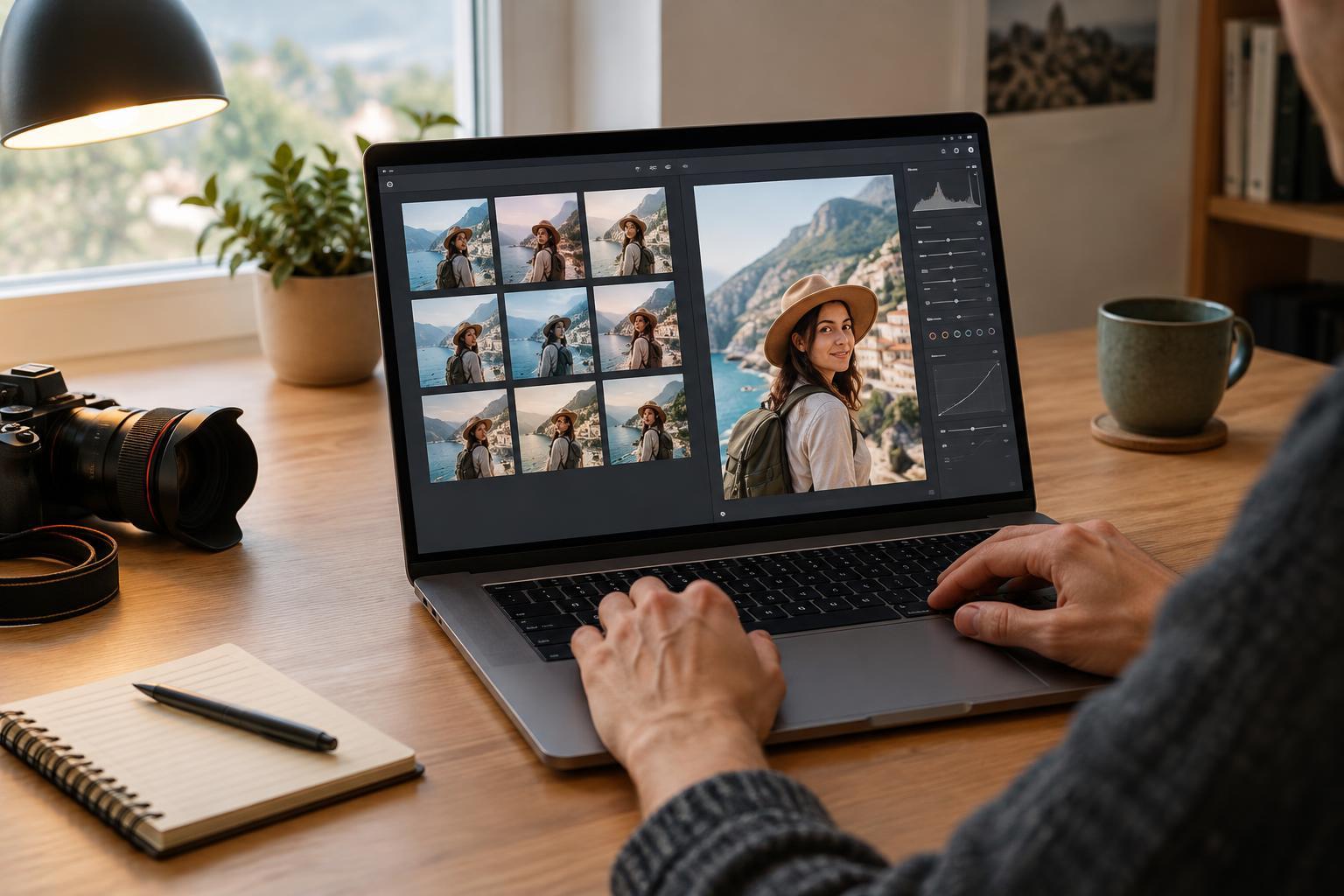
Begin by selecting the photos you intend to keep. Removing near-duplicates before editing means you do not spend time polishing images you will not use. Next, choose one representative frame and make a basic edit. If many photos share its lighting, save or apply those settings as a modest starting point for that group. Keep images made under different light in a separate group instead of assuming one treatment will suit the entire shoot.
After applying the starting settings, review each image at a normal viewing size. Correct exposure and white balance where needed, then check the crop and any distracting edges. Zoom in when you need to inspect detail, but return to the full frame before finishing. If your editor supports non-destructive changes, preserve that flexibility so you can revise an adjustment without rebuilding the edit. Finally, compare neighboring images together: consistency means they feel related, not that every slider has the same value.
Test which approach actually saves you time
Try a short exercise with six photos from one session. Choose three made in similar light and three that differ from one another. Edit one of the similar photos manually, then use its settings or a preset as a starting point for the other two. Edit the varied photos individually. Note where you spent time correcting color, tone, or crop, and compare the finished images as a group.
The result will tell you more than a rule about presets ever could. If a starting look leaves only minor adjustments, it is doing useful work. If you repeatedly reverse its changes, simplify it or stop using it for that kind of image. Let presets take care of repeatable decisions and use manual edits for the choices that require you to look closely. The fastest workflow is the one that gets you to a result you like without making unnecessary corrections along the way.