Begin with a visual question
A photo series gives viewers a reason to move from one image to the next. It does not need a dramatic story or an unusual location. A simple question can provide enough direction: How does morning light change the look of one street? What shapes repeat around a train station? How do people use the same public space in different ways? The question helps you decide what belongs in the series before you start choosing your strongest frames.
Set a manageable boundary for your first attempt. Photograph one place, one activity, or one kind of detail, and aim to select five to eight images afterward. A boundary is not a rule that every photograph must look alike. It gives you a common thread while leaving room to explore different camera positions, distances, and moments. Write your question in one sentence and keep it nearby when you review your photographs.
Vary distance without losing the subject
A series can feel repetitive when every photograph shows the subject from the same distance. Try making a wide frame that establishes the setting, a middle-distance frame that shows an interaction, and a close frame that reveals a telling detail. These are options, not a required checklist. If a close-up adds nothing to your idea, leave it out. Each image should contribute information or a feeling that another image does not already provide.
Change your position as deliberately as you change your distance. A low viewpoint may emphasize the path into a space; a higher one may make its layout easier to read. Watch what happens at the edges of each frame, particularly when moving between wide and tight views. Background clutter that seems harmless in one image can become conspicuous when that image sits beside a quieter composition.
Look for connections across frames
Cohesion can come from recurring visual choices rather than identical subject matter. You might notice circles appearing in signs, wheels, and shadows, or place a small human figure within a large space in several different ways. Similar colors, camera heights, or amounts of empty space can also help images feel related. Let these connections emerge from what you photographed; forcing the same device into every frame can make the series predictable.
Pay attention to contrast as well. A busy frame followed by a sparse one can make both more effective. A photograph with strong movement may sit well beside a still scene if they share a shape or setting. When editing, ask two questions about each candidate: What does this image add, and what connects it to at least one other image? A technically polished photograph may be worth removing if its main role is already filled.
Arrange images for a deliberate viewing path
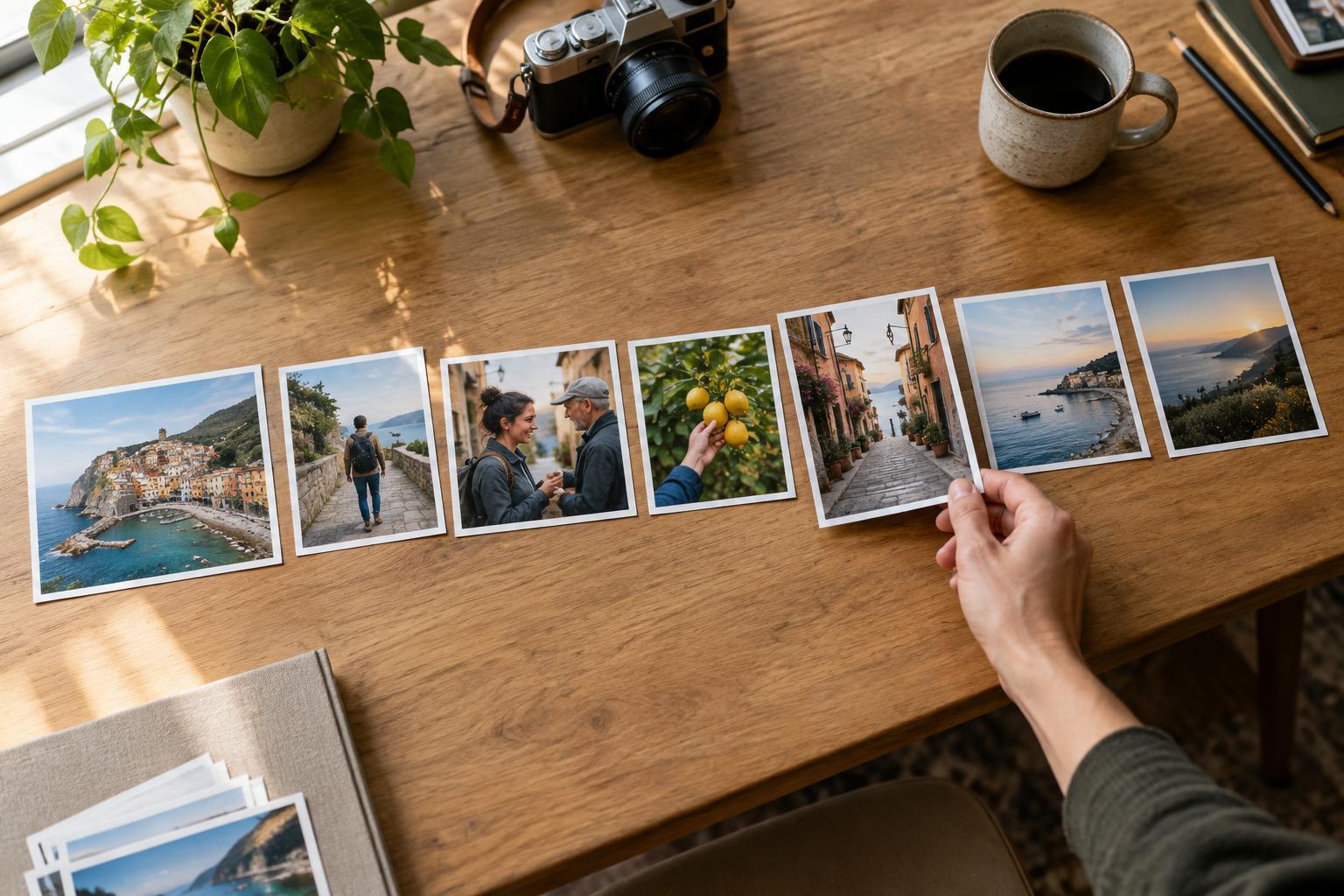
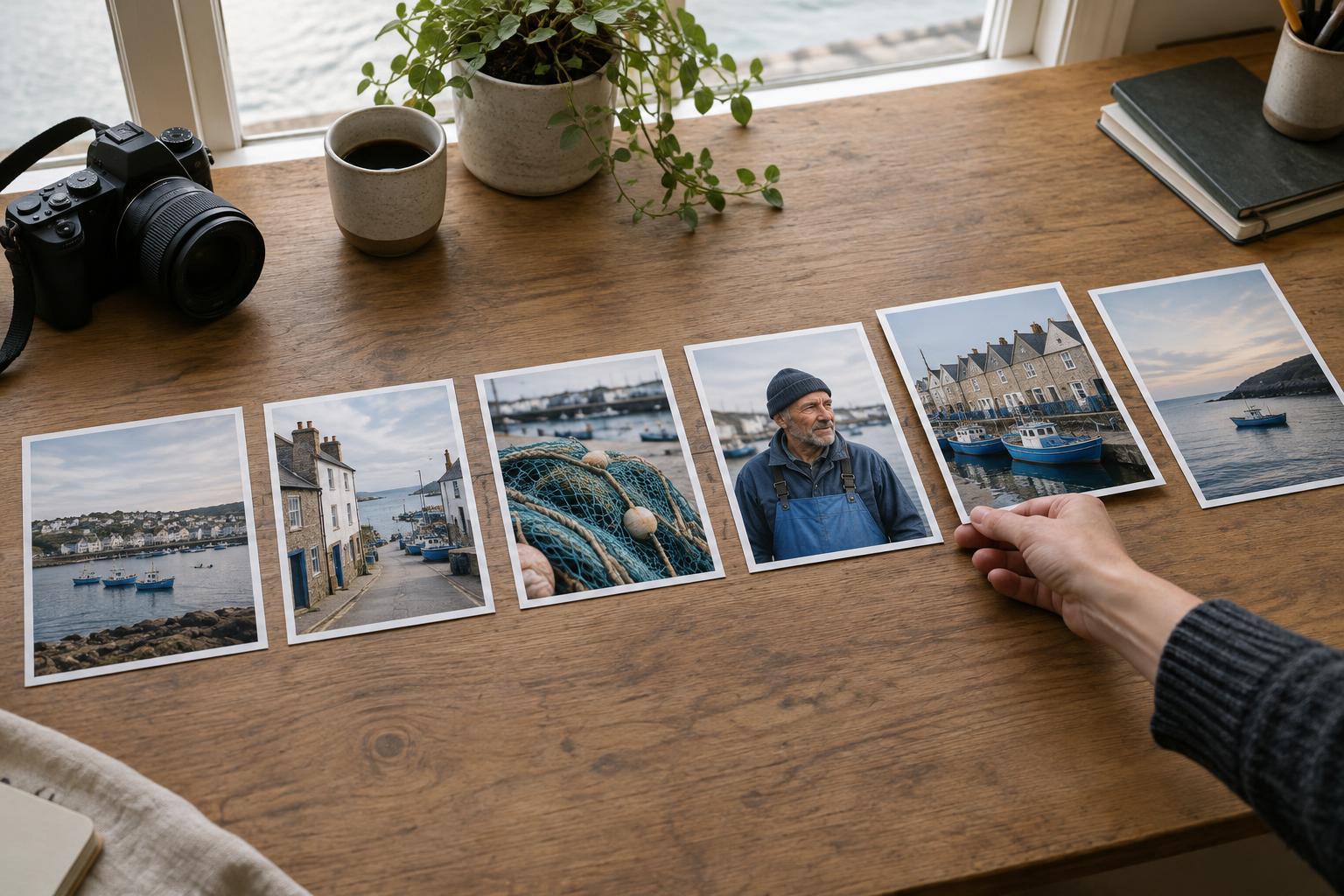
Spread your candidates out as small prints or thumbnails so you can see them together. Start with an image that introduces the series clearly enough to invite another look. The first frame need not reveal everything. Then try an order that alternates scale or complexity: wide to close, quiet to active, or familiar to surprising. Place images next to each other and look for both useful echoes and jarring changes.
Do not assume the order in which you took the photographs is the best viewing order. Move a frame from the middle to the end and notice whether it now feels like a conclusion. Remove one image and see whether anything important is lost. If the sequence works better without it, keep the shorter version. A compact series often gives each composition more room to register.
Test the series as someone else will see it
View the finished sequence at its intended size, whether that is a phone screen, a page, or a set of prints. Small details may disappear on a phone, while repeated backgrounds may become obvious when prints hang side by side. Try showing the series without explaining your visual question first. Ask which image feels out of place and where the viewer wants to pause. Use those reactions to reconsider the order, not as a demand to make every choice obvious.
If you share prints with an optional QR code leading to a digital version, make sure the series can still be enjoyed without scanning it. For further browsing on making QR-linked material easier to use, see Accessibility · QR Practical Guide. For broader ideas about QR codes as a way to offer an additional viewing route, browse QR Practical Guide. If you are presenting a series in a shop or other business setting, Business Applications · QR Practical Guide offers further browsing on that use of QR codes. Whatever the format, let the photographs lead; the link is an invitation to continue, not a substitute for a considered sequence.