Decide which detail matters most
Harsh midday sun often puts bright surfaces and dark shadows in the same frame. A camera may not be able to record useful detail in both at once. Before changing settings, decide what the photograph needs to show. In a portrait, that might be the face and its expression. In a travel scene, it might be detail in a sunlit building rather than the shaded street below it.
You do not have to preserve every highlight and shadow. A dark doorway can give a bright wall shape, and a white reflection can convey the force of the sun. The problem is losing detail accidentally in a part of the image you wanted viewers to examine. Making that distinction first gives you a clearer exposure target.
Find better light before reaching for settings
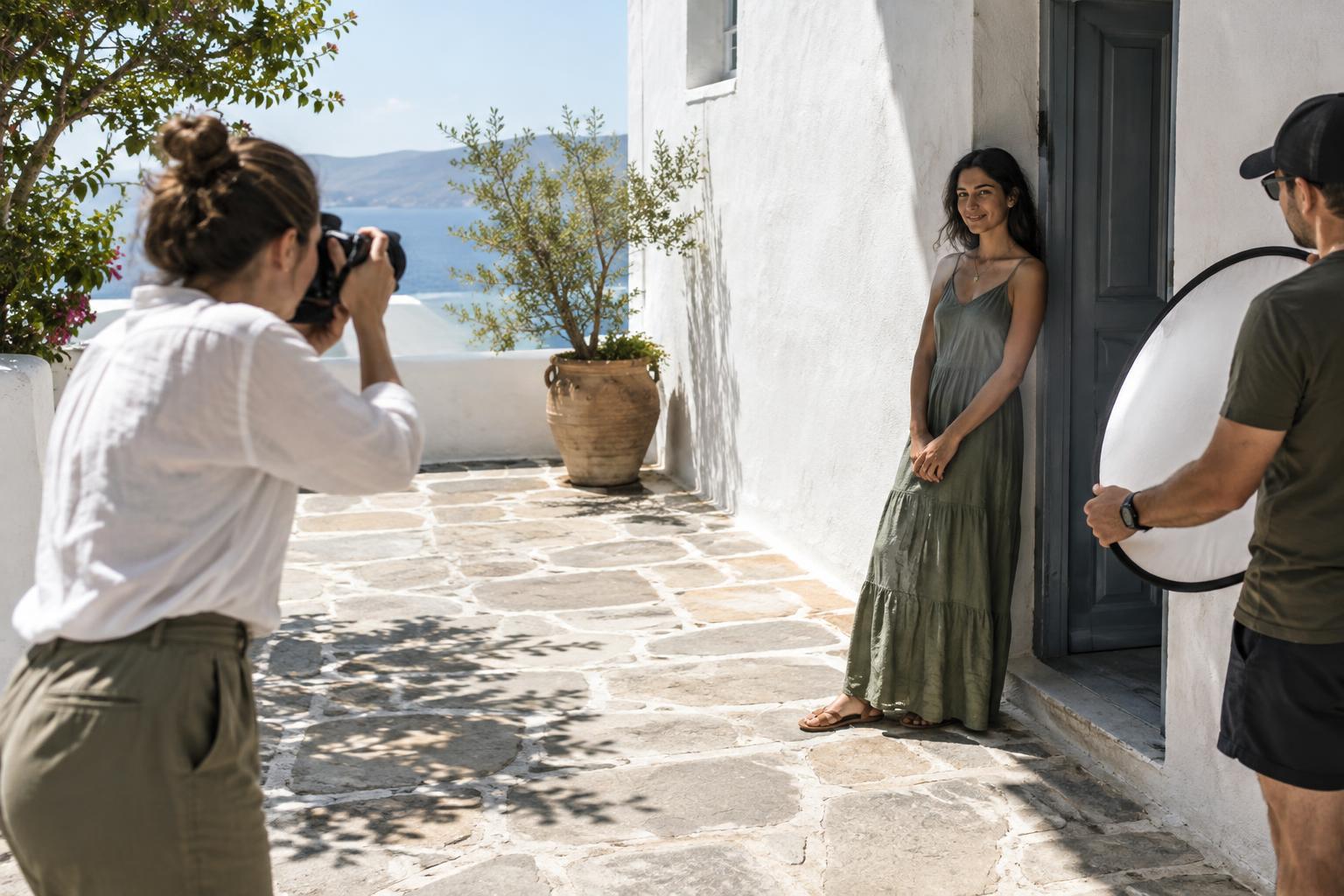
A small change in position can make midday light easier to photograph. For portraits, look for open shade beside a building, under an overhang, or near the edge of a tree’s shadow. Open shade usually gives a face more even light while still receiving illumination from the surrounding sky. Check the background as well: a face in shade against a sunlit wall may still create more contrast than you want.
If your subject must stay in direct sun, consider turning them so the sun falls from the side or behind rather than straight into their eyes. This may reduce squinting, but it can leave the face dark against a bright background. Move your camera angle, choose a less reflective background, or add fill light if the face needs to remain clear. Watch for small patches of light crossing eyes or cheeks; uneven light can be harder to manage than a fully sunlit face.
For landscapes and street scenes, try excluding the brightest surface from the frame or using a shadow as an intentional foreground shape. These are composition choices, not exposure tricks: they reduce the range of tones you are asking the camera to hold while giving the strong sunlight a visible role in the picture.
Expose for the highlights you want to keep
Take a test frame and inspect the brightest important area, such as a pale shirt, a light-colored wall, or a forehead in direct sun. If your camera offers a histogram or highlight warning, use it alongside the image preview. A preview alone can be misleading in bright outdoor conditions. Highlight warnings are a prompt to inspect the frame, not a command to darken every bright patch; a small reflection may reasonably contain no texture.
When an important highlight appears featureless, lower the exposure and check again. Exposure compensation is a convenient way to do this in an automatic or semi-automatic mode; in manual mode, adjust a setting while keeping your intended depth of field and motion rendering in mind. A lower ISO can help when the scene is very bright, provided your camera has that option. If you shoot RAW, you may have more flexibility to adjust tones later, but a completely clipped highlight cannot reliably be rebuilt.
Protecting highlights may make shadows darker. Look at whether those shadows contain necessary information before continuing to darken the image. If the scene still asks for too much from a single exposure, change the light or the framing rather than expecting an edit to solve everything.
Soften shadows with simple equipment
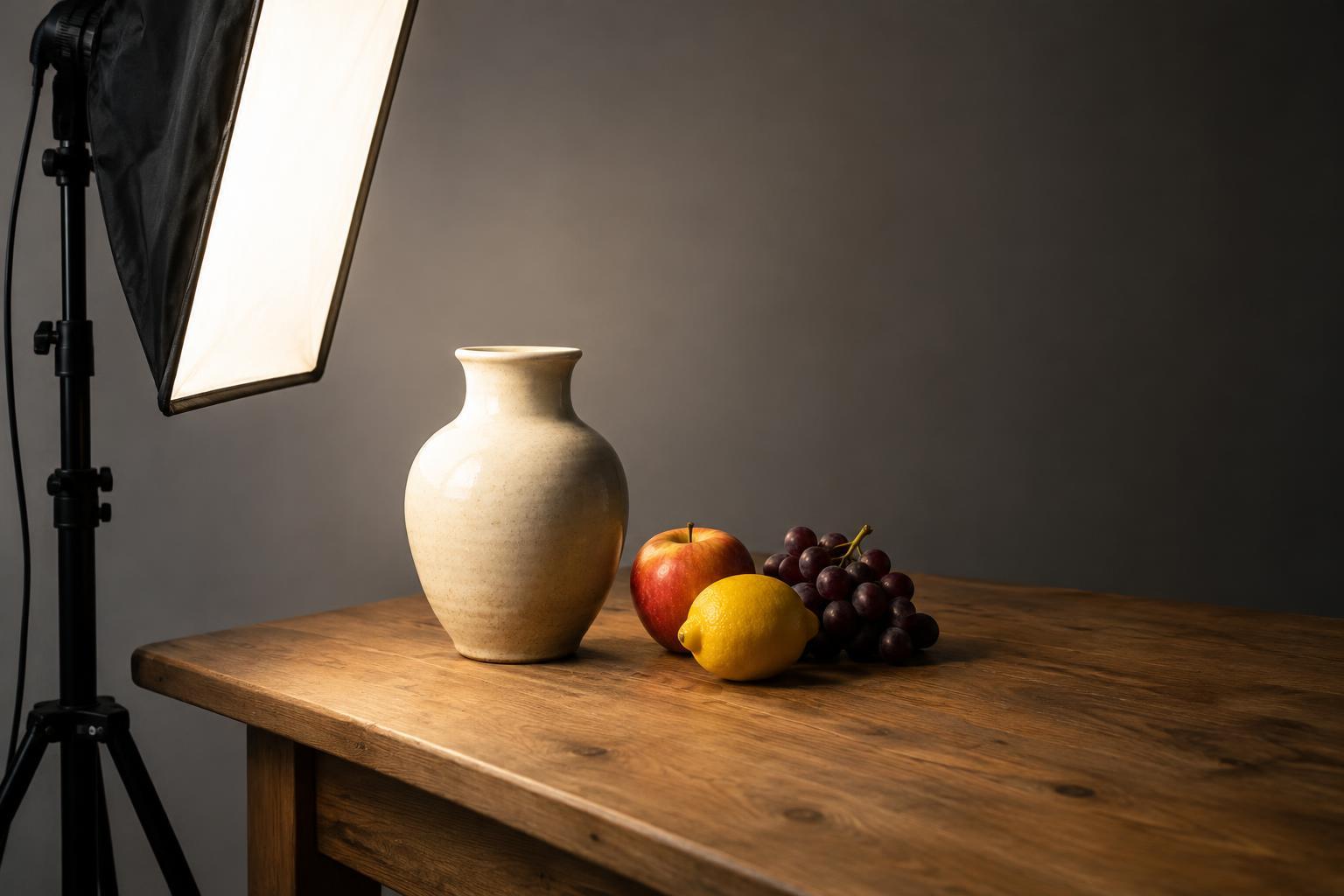
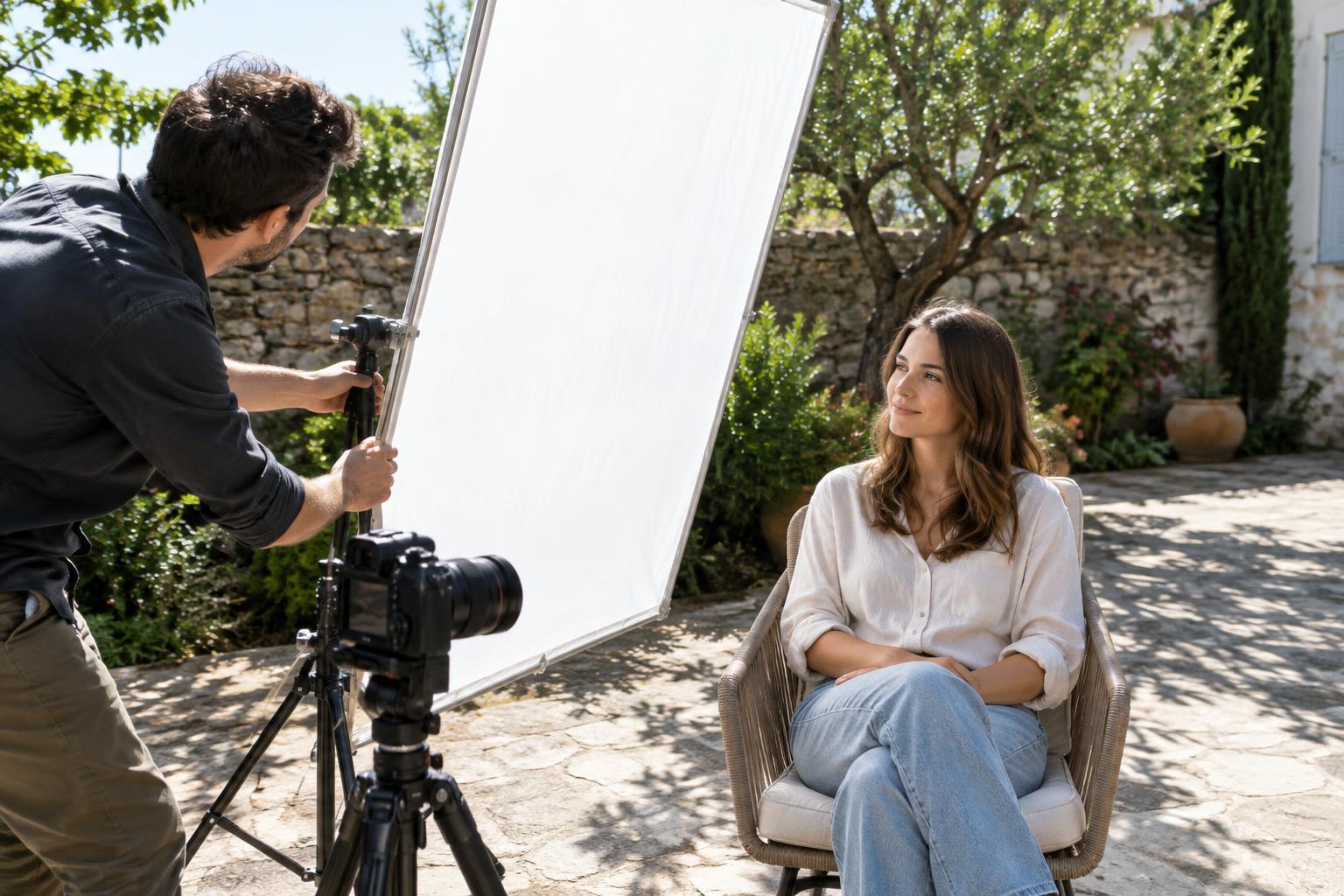
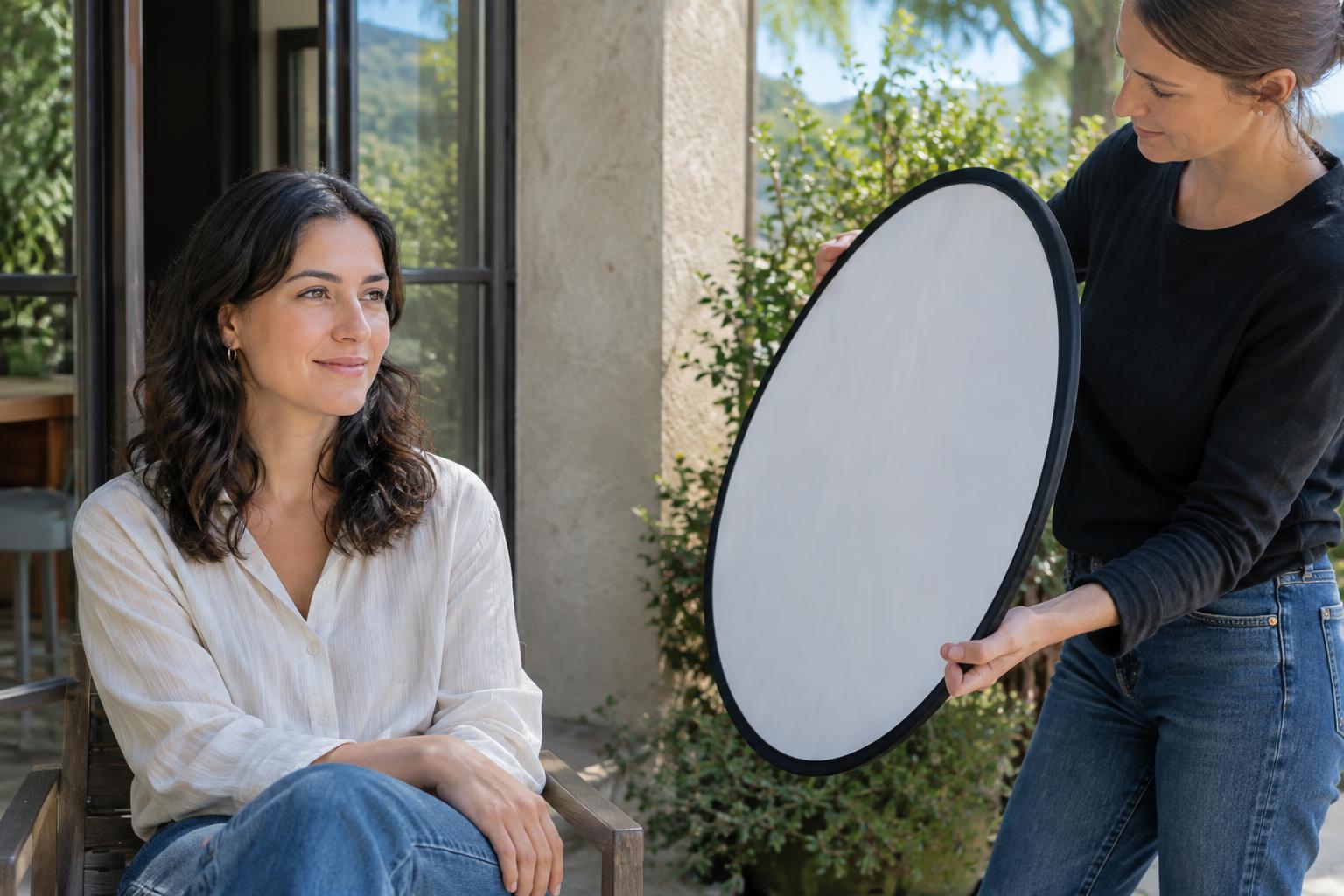
For a nearby subject, a reflector can send some light into a shaded face or object. A white surface tends to give a gentler effect than a highly reflective one; even a piece of light-colored card may be useful for a small still life. Move it until the fill looks natural, and check that it does not create a distracting bright patch. A diffuser held between the sun and a small subject can soften direct light, though it needs to be large enough to cover the area you want softened.
Flash can also lift a face that is backlit by the sun. Start with subtle fill rather than trying to make the flash the dominant light, and review the result for shiny skin or hard new shadows. You do not need extra equipment for every scene: choosing open shade is often simpler. If you use a reflector or diffuser outdoors, secure it and take care around wind, traffic, and other people.
Edit gently, then practice with one scene
In editing, first set the overall brightness so the main subject reads clearly. Then reduce highlights or lift shadows only as far as the file allows without making textures look unnatural. Increasing shadow brightness may reveal noise, while pulling highlights down can turn bright areas dull if they never held much detail. Local adjustments can be more useful than a strong global change when only a face or one wall needs attention.
For a practical exercise, photograph the same subject in direct sun, at the edge of open shade, and fully in shade. At each position, make one exposure for the subject and another that protects the brightest important area. Compare the files on a larger screen. Note which details you wanted to retain, which you were comfortable losing, and whether moving the subject helped more than changing the exposure. That habit will make midday decisions faster the next time the light is unforgiving.