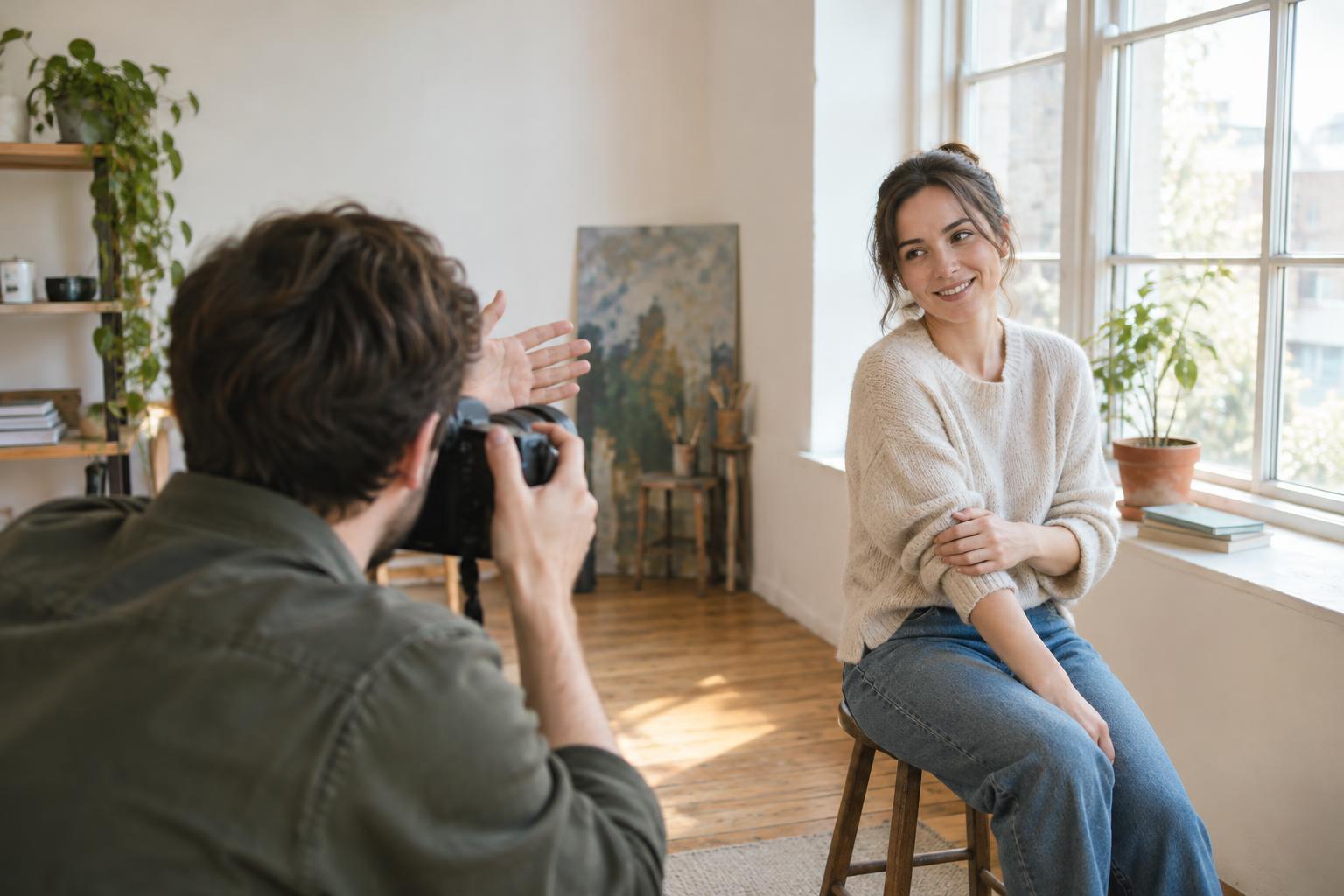
Decide what the photo needs to communicate
A useful online headshot is easy to recognize, clear at a small size, and appropriate for the place it will appear. Before taking photos, look at the profile’s layout: Is the image displayed as a circle or a square? Will it sit beside a name and short biography? Those details affect how closely you should crop and how much room to leave around your face. Aim for an expression and outfit that feel like you on a good day, rather than trying to imitate a formal studio portrait.
Choose clothing that fits comfortably and separates you from the background. Solid colors often keep attention on your face, but texture or a subtle pattern can work too. Check for twisted collars, distracting logos, and anything you would rather not notice after the session. If you wear glasses, keep them on if they are part of how people usually recognize you; you can adjust the light later if the lenses catch a reflection.
Build a simple setup with soft light
Start near a window that gives you bright, indirect light. Face toward it, then turn slightly until your face has shape without a harsh shadow crossing your eyes. If direct sun creates sharp patches, move farther from the window or choose a time when the light is less direct. Turn off nearby room lights if they give your skin a noticeably different color. A plain wall, curtain, or uncluttered room can make a suitable background; leave some distance between yourself and it to reduce visible shadows.
Use the camera you have. A recent phone can make an effective headshot when the light is good and the lens is clean. If you use a camera with interchangeable lenses, a moderate or short telephoto focal length can make framing comfortable without putting the camera close to your face. With a phone, avoid placing it inches away, which can exaggerate features. Instead, step back and crop later if the file has enough detail. Support the camera on a tripod or stable surface so you can concentrate on your expression.
Frame and direct the portrait
Set the camera around eye level and keep your eyes in focus. Frame from roughly mid-chest or shoulders upward, with enough space above and beside your head for a circular crop. Check the edges for stray objects, and avoid having a strong line appear to grow out of your head. If your camera or phone offers a portrait mode, review the result closely: simulated background blur can look odd around hair or glasses. A clean, sharp image with a visible background is better than distracting blur.
Small changes in posture do more than complicated poses. Sit or stand tall, relax your shoulders, and angle your body slightly away from the camera while bringing your face back toward it. Try looking directly into the lens, then just beside it. For a natural expression, take several frames while breathing out or after saying a short sentence aloud. If you are photographing someone else, give one direction at a time and leave space for them to settle between shots.
Run a short, repeatable photo session
Take a test frame before committing to a full set. Zoom in to check eye sharpness, reflections in glasses, skin tones, and whether the background competes with the subject. If the face looks too dark, turn it more toward the window or move closer to the light source. If one side looks too dark for the effect you want, a light-colored wall or a piece of white card opposite the window may soften the shadow.
Then make a small series rather than relying on a single exposure. Try three positions: facing the light, turned slightly toward it, and turned slightly away. At each position, capture a relaxed smile, a neutral expression, and one in between. Change only one thing at a time so you can tell what helped. Review the images at thumbnail size as well as full size; the most technically perfect frame is not always the one that feels most approachable on a profile.
Edit for clarity, then test the final crop
Pick an image that looks like the person others will meet. Straighten it if needed, set a natural-looking brightness and color, and crop so the eyes remain prominent. Gentle adjustments to contrast and shadows can improve readability, but heavy skin smoothing or aggressive sharpening may make a headshot feel less authentic. Remove temporary distractions only if doing so suits how you want to present yourself.
Export a copy for the profile rather than overwriting the original. Upload it and inspect the actual display, especially if the site applies a circular crop or reduces the image to a small icon. Make sure your chin, hair, and shoulders have enough room and that your face remains recognizable. If something feels cramped, return to the wider original and adjust the crop. That final check is part of making the photograph work, not just making it look good on your editing screen.