Decide what the photograph needs to communicate
Cropping is not simply a way to remove empty space. It changes what a viewer can understand about a photograph. Before moving the crop boundaries, name the main subject and the detail that gives it meaning. In a portrait, that might be a person’s expression and the object they are holding. In a travel photograph, it might be a doorway and enough of the surrounding street to show where it sits. A tighter frame is useful only if it preserves the information the picture needs.
Ask yourself three questions: What should viewers notice first? What helps them understand what they are seeing? What can disappear without changing the story? The answers will vary even between photographs made in the same place. A wide image of a market might depend on the relationship between a vendor and nearby customers; a closer image might be about the vendor’s hands. Choose the crop for the photograph you want to make, rather than applying the same amount of tightening to every frame.
Inspect every edge before you commit
Once you have a possible crop, look around its border instead of looking only at the center. Edges often reveal accidental cuts: a hand clipped at the fingertips, a sign missing its last letter, or a path that seems to lead somewhere but ends abruptly at the frame. If a detail is important, include enough of it to read clearly. If it is distracting, consider removing it fully rather than leaving a small, puzzling fragment.
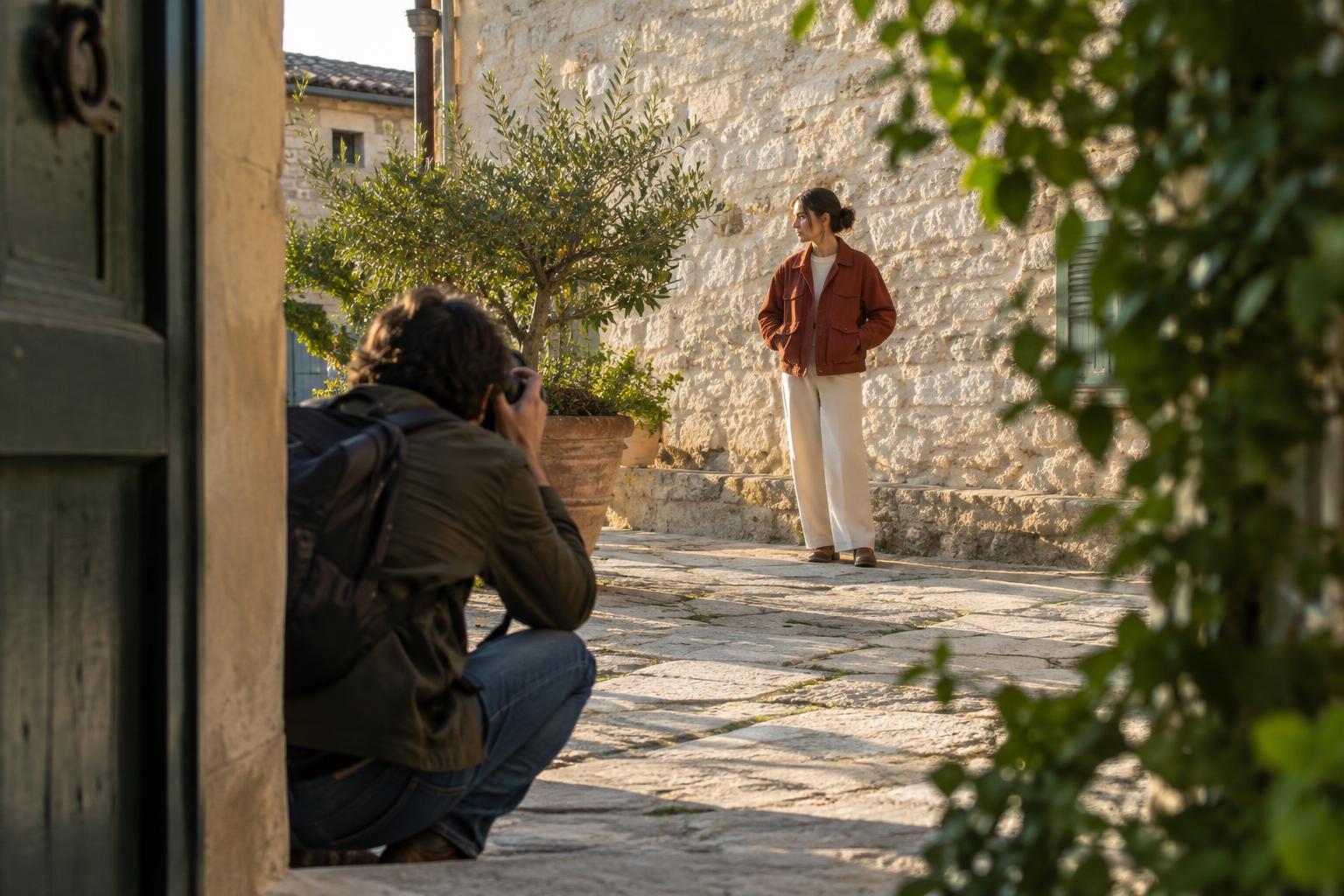
Pay particular attention to gestures and relationships. A person looking toward something outside the frame can create curiosity, but cutting away the thing they are reacting to may make the image confusing. Likewise, a cropped-out shadow, reflection or second person may change how a scene is understood. These are not reasons to keep everything. They are reasons to check whether each cut supports your intention. A deliberate omission can be compelling; an unnoticed one often feels unfinished.
Leave space that has a job
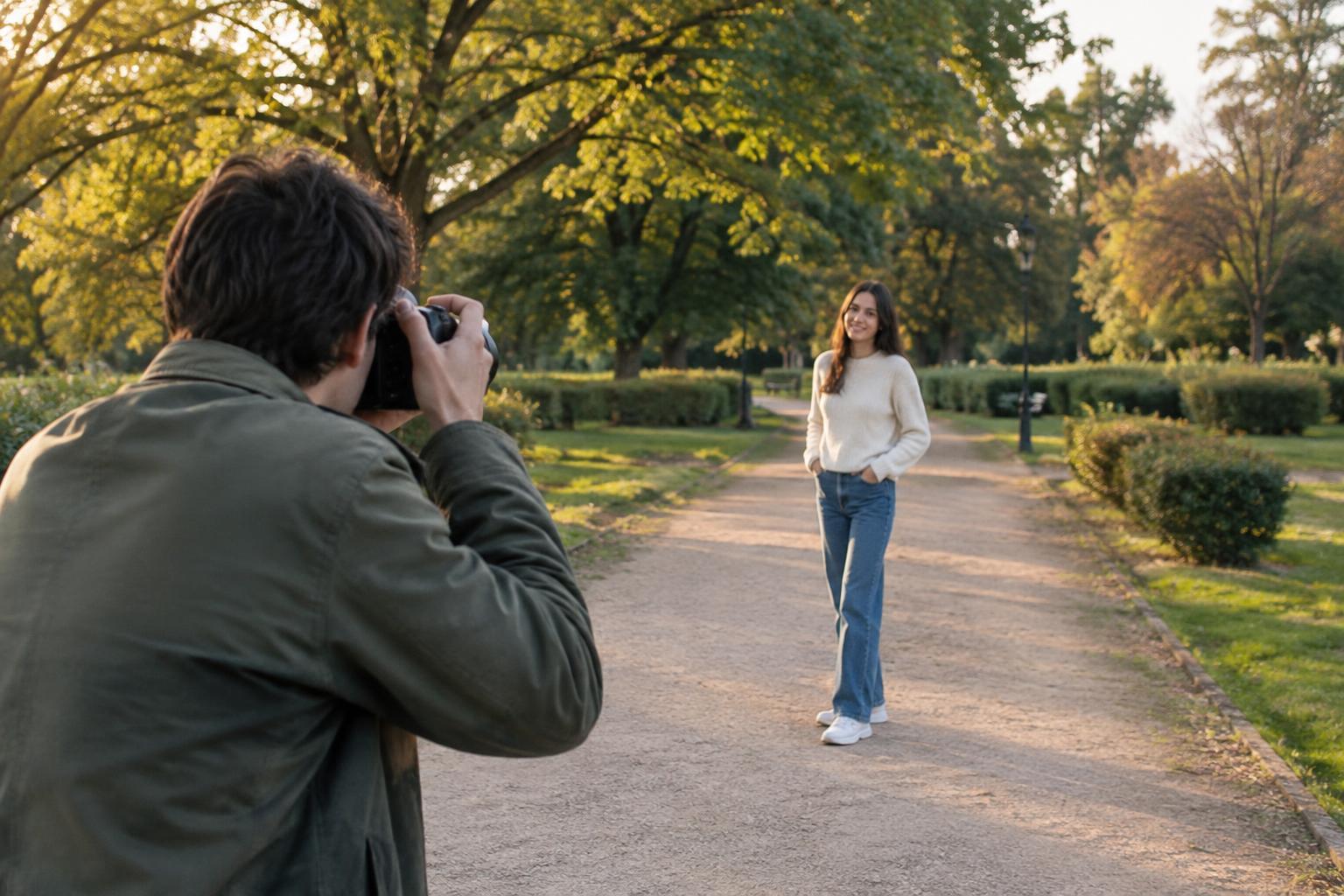
Not all open space is wasted space. Room in front of a walking subject can suggest direction. Space around a small figure can convey scale or solitude. A simple wall beside a portrait can give the eye a rest and keep the face prominent. When you crop, judge empty areas by what they contribute to the image rather than by how much of the frame they occupy.
Try moving one edge at a time. Bring it inward until the photograph begins to feel crowded, then ease it back. Notice whether the subject has enough room to move, look or breathe within the frame. Also check the distance between important elements and the border: a nearly touching elbow or landmark can feel more accidental than either a clear gap or a confident cut. The aim is not a universal margin, but spacing that looks intentional.
Choose an aspect ratio for the composition, not the template
A change in aspect ratio can solve one problem while creating another. A square crop may strengthen a centered portrait but remove the environment that explains it. A wide crop may suit a landscape yet leave a person too small to notice. Start by finding the boundaries that best serve the photograph, then see how closely they fit the format you need. If a fixed format is required, decide which information must survive within it.
When one photograph must work in several formats, make separate crops rather than assuming a single version will fit everywhere. Keep an uncropped copy, and check each version at the size where it will be viewed. A detail that seems obvious while editing on a large screen may become hard to recognize in a small thumbnail. If the required crop removes something essential, consider using a different photograph instead of forcing this one into the shape.
Practice with three versions of one image
Choose a photograph with a clear subject and some surrounding context. Make three copies: one that preserves the setting, one that frames the subject closely, and one that balances the two. For each version, write a short sentence describing what the viewer learns. If the tight crop is stronger but hides an important gesture or clue, adjust it until that information is visible—or accept that it tells a different story.
Finally, view the three crops without looking at the original. Scan their edges, then ask which version directs attention without raising avoidable questions. This exercise helps separate useful context from clutter. It also makes cropping a decision about meaning, not just neatness: the best frame is the one that gives viewers enough to see what matters and leaves out what does not.