Why the background goes dark
A dark background usually means the camera has recorded too little ambient light, even though the flash has lit the subject well. This often happens when you choose a fast shutter speed to avoid blur, use a small aperture, or let an automatic flash exposure brighten the subject while the camera leaves the room or street underexposed. The solution is not necessarily a stronger flash. More flash may make the subject brighter without doing much for a distant background.
Think of the image as two overlapping exposures. Ambient light reaches the whole scene and is controlled by shutter speed, aperture and ISO. A brief burst of ordinary flash mainly affects whatever it can reach, often a nearby person. At normal flash-sync speeds, changing shutter speed has little effect on the flash-lit subject but can substantially change the ambient background. Aperture and ISO affect both. This distinction gives you a useful way to decide which setting to change.
Set the background before adding flash
Start with the flash off. Frame the photograph as you intend to take it and expose for the background until its important details look the way you want. It does not need to be as bright as the subject: a background that is slightly darker can still feel natural and give the subject separation. Take a test frame and inspect it rather than relying only on the brightness of the camera screen. If your camera offers a histogram or highlight warning, use it to check areas you want to preserve.
Now turn on the flash and aim to add just enough light to the subject. With TTL flash, take another frame and adjust flash exposure compensation if the subject is too bright or too dim. With manual flash, change the power or the flash-to-subject distance. Try to leave the camera settings alone while making this first flash adjustment; that way you can see what the flash itself is contributing.
If the background is still too dark, lengthen the shutter speed while staying within your camera’s normal flash-sync limit. If motion blur or camera shake becomes a problem, raise ISO or open the aperture instead, then reduce flash output if the subject becomes too bright. A tripod can steady a static scene, but it will not freeze a moving person lit by ambient light.
Choose a practical setup for the scene
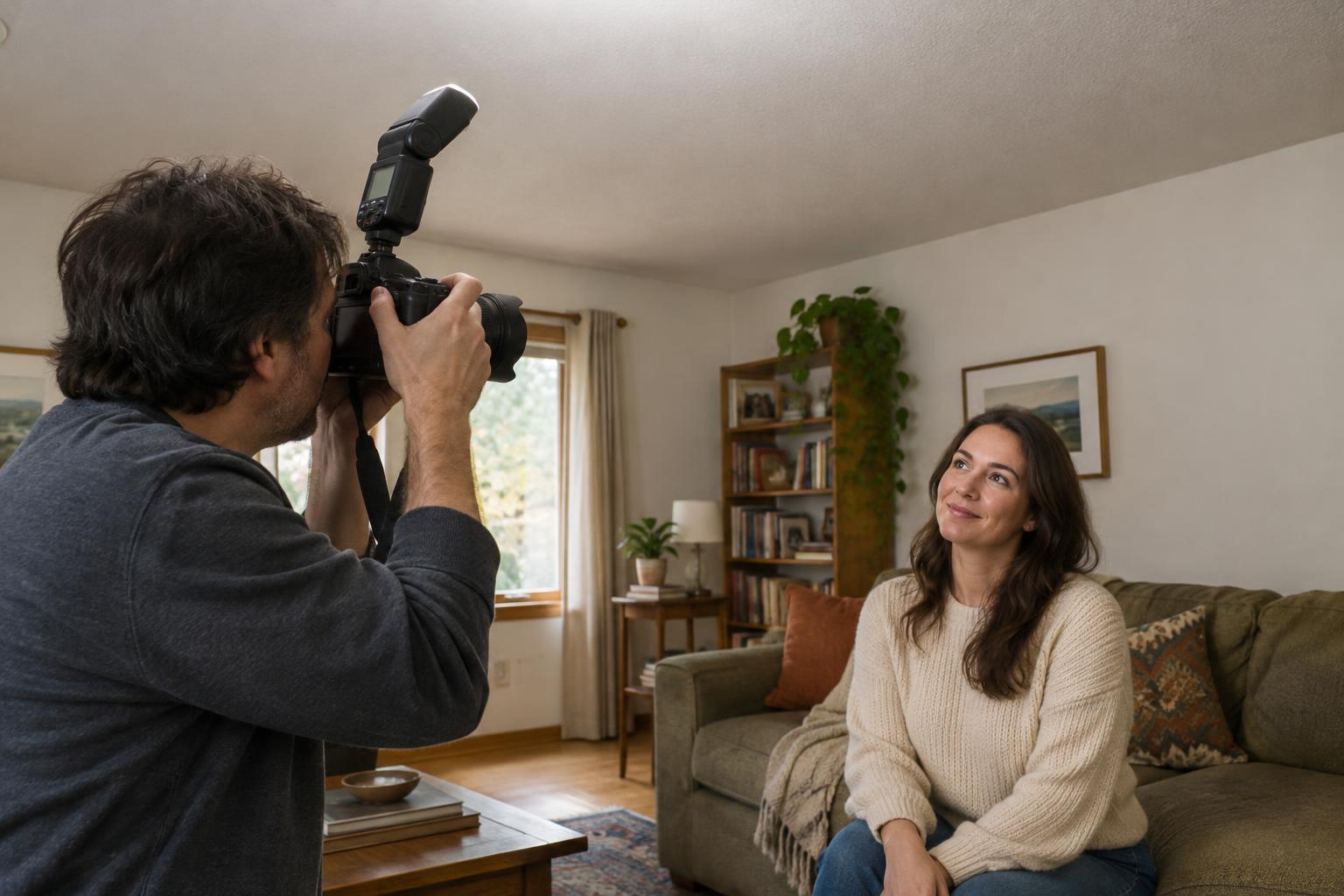
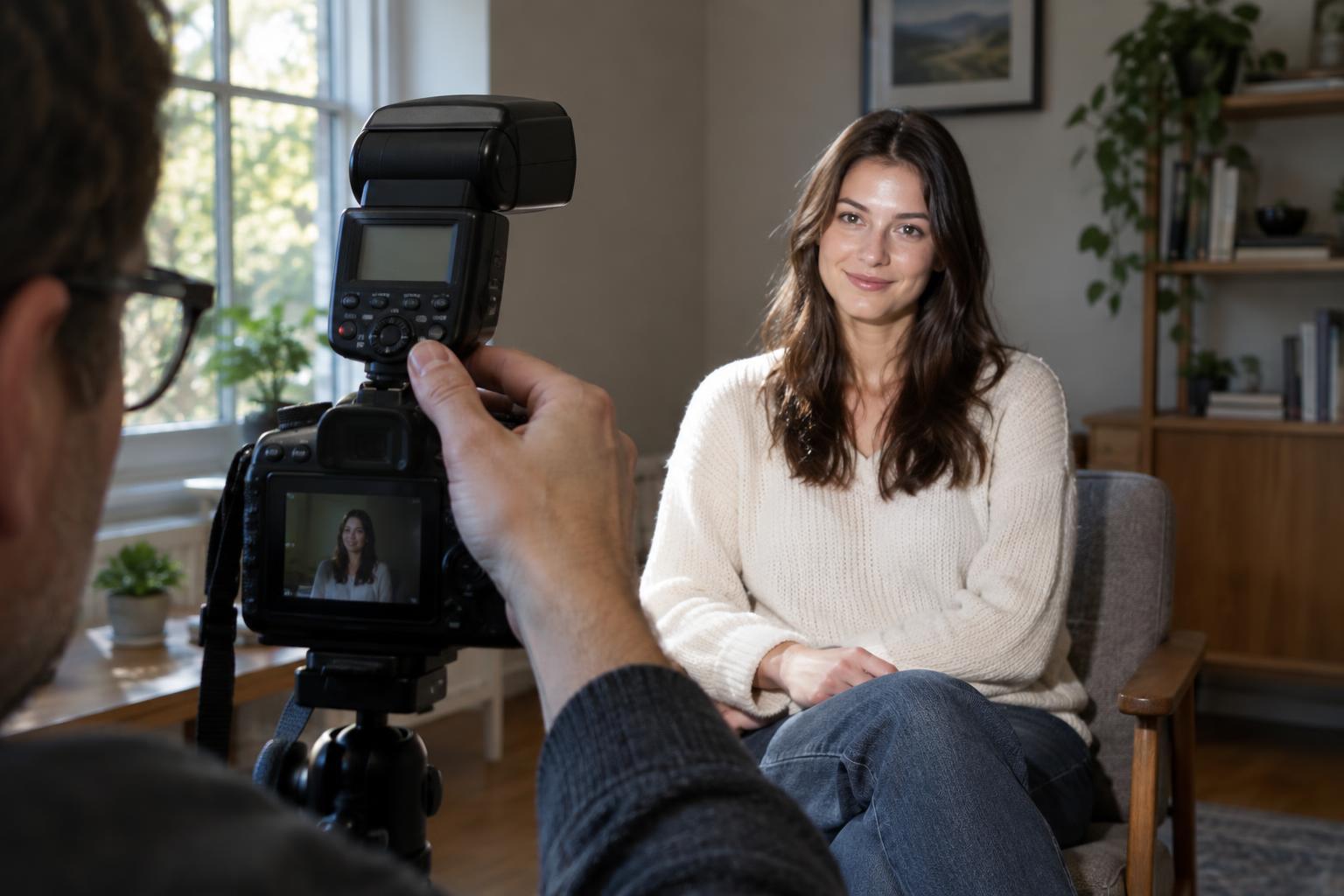
Indoors, a small flash on the camera can fill a face while lamps and window light remain visible behind it. Bouncing the flash from a suitable ceiling or wall may produce softer light than pointing it directly at the subject. Check the surface first: a high, dark or strongly colored surface may absorb light or tint it. A flash off the camera gives you more control over the direction of the light, though it adds a stand, a trigger and more setup time.
Outdoors, begin by deciding how bright you want the sky or surroundings. In strong daylight, that may call for a relatively fast shutter speed and a flash capable of providing enough light at your chosen distance. Do not assume you can keep increasing shutter speed: above your camera’s normal sync speed, part of the frame may go dark unless your camera and flash support high-speed sync. High-speed sync can be useful, but it generally reduces the flash’s effective reach.
Keep your subject reasonably close to the flash when possible. Flash illumination falls off quickly with distance, so a modest change in placement can matter more than a large power adjustment. A nearby subject can be lit independently of buildings or landscape farther away; trying to light that entire background with a small flash is rarely the goal.
Make the light look like it belongs
Matching brightness is only part of the balance. A cool, direct flash can look out of place in a room filled with warm lamps. You can accept that contrast as a creative choice, or place a suitable warming gel on the flash and set white balance for a more consistent look. Mixed light may never match perfectly, particularly when several different bulbs or daylight sources appear in the same frame.
Pay attention to direction, too. If window light is coming from one side, placing an off-camera flash on that side can reinforce the existing light rather than compete with it. For a subtler result, lower the flash until you notice its absence more than its presence. The aim is not to make every part of the image equally bright; it is to keep the setting readable while giving the viewer a clear subject.
A five-frame exercise
Choose a stationary subject near a background with visible ambient light, such as a person beside a lamp. Keep the framing and subject position consistent. First, photograph the background with the flash off. Second, add flash without changing the camera settings. Third, adjust only flash output until the subject looks right. Fourth, change only shutter speed to make the background brighter or darker. Fifth, return to your preferred shutter speed and try a different flash direction or distance.
Compare the frames side by side and note which parts changed. If the background changes when you adjust shutter speed but the flash-lit subject stays similar, you have found the basic control that makes this technique work. If both change, check whether ambient light is contributing significantly to the subject, or whether an automatic camera mode is changing other settings for you. Repeat the exercise in a brighter location to learn when aperture, ISO and flash placement become the more useful adjustments.